
How to create a FAQ page
Pick a page in Settings and Happy FAQs fills it with every FAQ automatically.
Step 1: Create an empty page
Go to Pages → Add New Page, name it “FAQ” or “Help”, and publish it.
Step 2: Choose it in Settings
Go to Happy FAQs → Settings → General. Under FAQ page, pick your page and save.
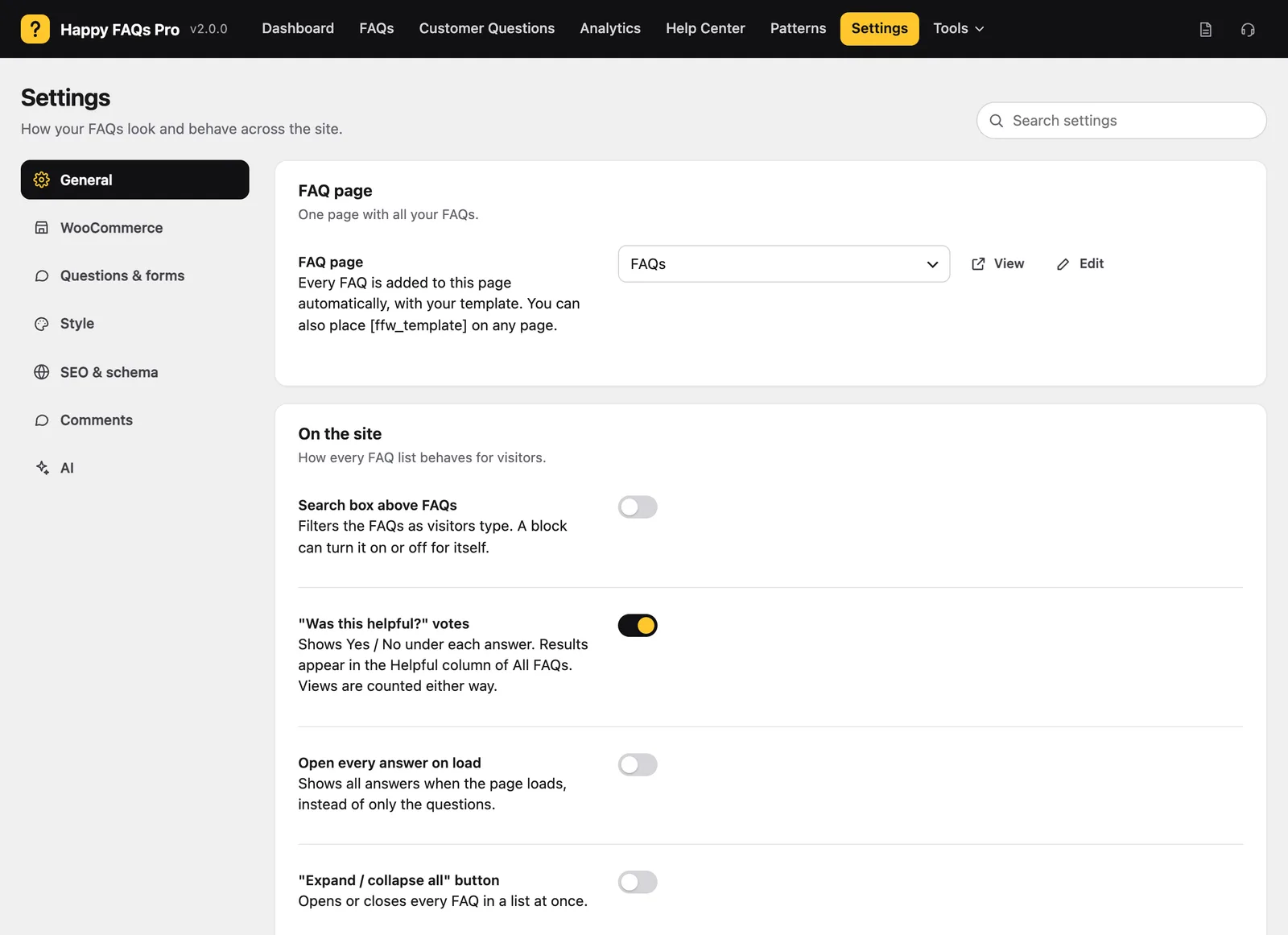
Step 3: View the page
Click View. Every published FAQ appears with your layout.
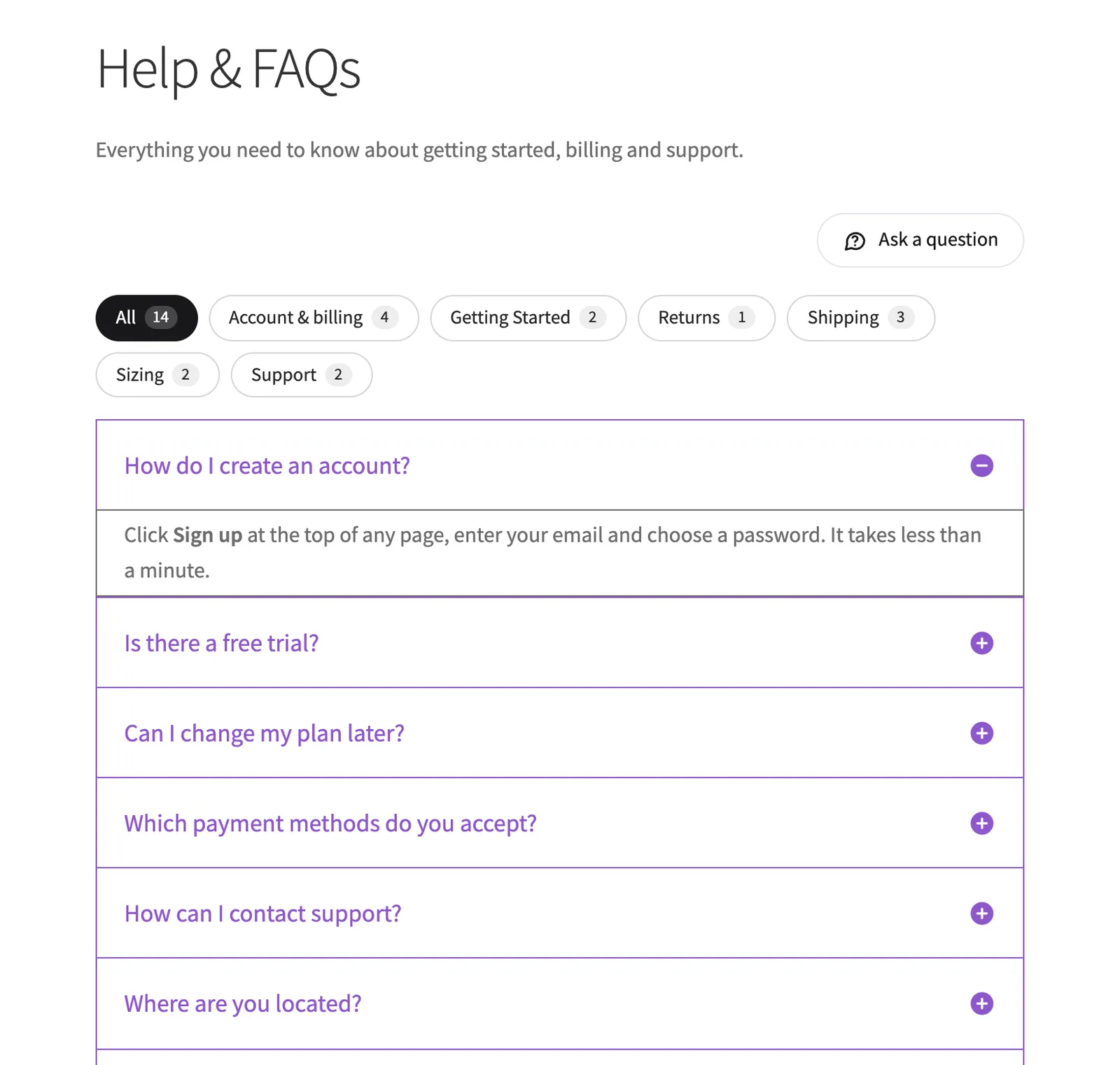
Want more? Try the Help Center page for search, popular questions and topics.
Frequently asked questions
Can I add an intro above the FAQs?
Yes. Write it on the page itself, or use Before the FAQs in General settings.
Still stuck? We’re happy to help.
Contact support