
How to use the setup wizard
Use the Happy FAQs setup wizard to pick general or product FAQs, add starter questions and get your shortcode.
The wizard opens right after you activate Happy FAQs. It takes about two minutes.
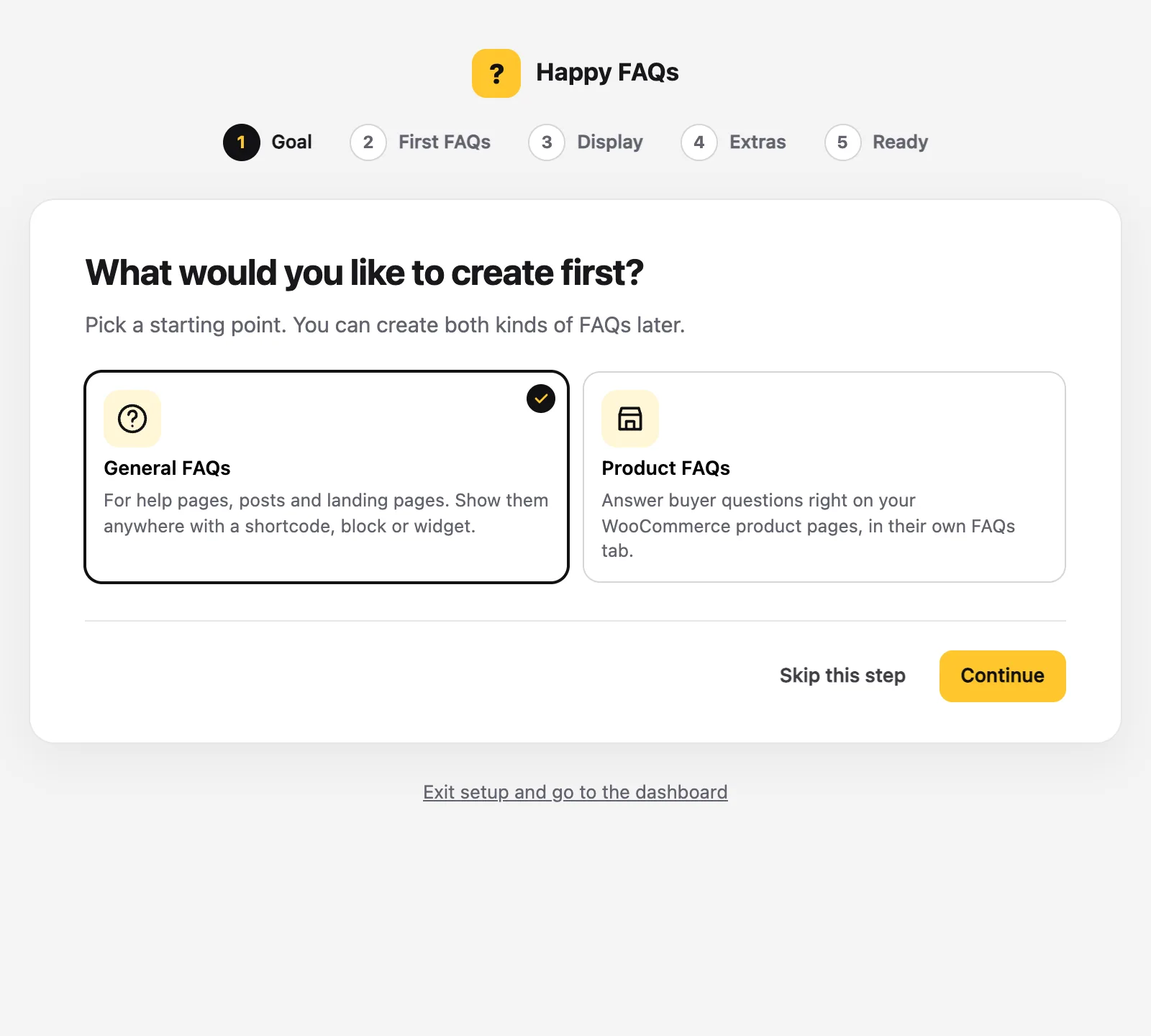
Step 1: Choose your goal
Pick General FAQs for help pages and posts, or Product FAQs for WooCommerce products. You can use both later.
Step 2: Add your first FAQs
Choose some common questions to start with. Edit the answers so they fit your store, or skip and write your own later.
Step 3: Choose how to show them
Pick where the FAQs appear. The wizard gives you a shortcode you can paste on any page.
Step 4: Finish
Click Continue until you reach Ready. Your FAQs are published and the dashboard opens.
Not now? Click Skip this step, or Exit setup and go to the dashboard.
Frequently asked questions
Can I run the setup wizard again?
Yes. Open Happy FAQs → Dashboard; the checklist links to every setup step.
Still stuck? We’re happy to help.
Contact support