
How to set up general settings
Set the FAQ page, search box, helpful votes, expand all, RTL and the text around your FAQs.
Go to Happy FAQs → Settings → General.
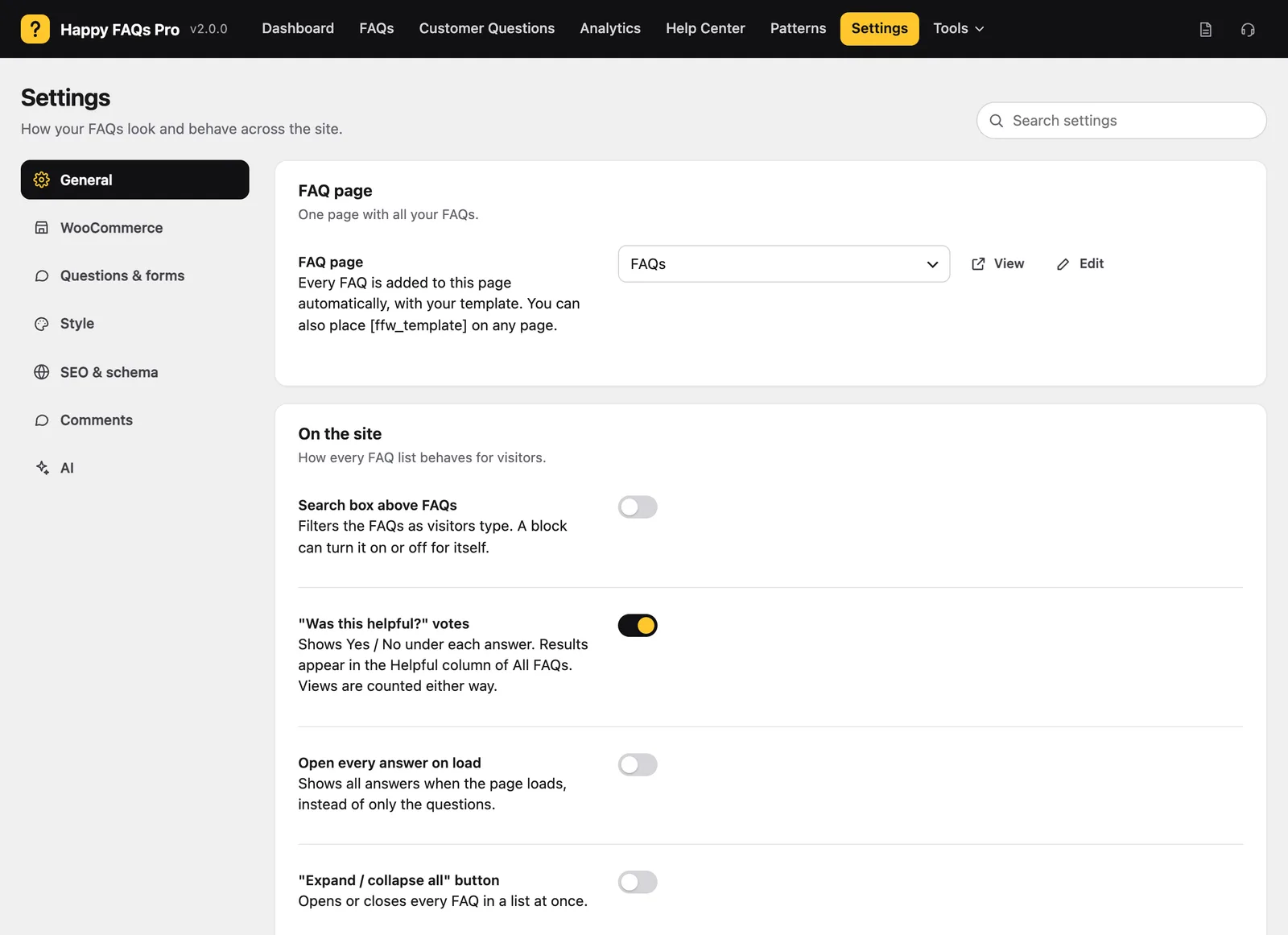
FAQ page
Pick a page and Happy FAQs adds every FAQ to it. See How to create a FAQ page.
On the site
- Search box above FAQs: filters the list as people type.
- “Was this helpful?” votes: see helpful votes.
- Open every answer on load: shows answers, not only questions.
- “Expand / collapse all” button, with your own label.
- Right to left (RTL): Automatic, Always or Never.
Text around the FAQs
Before the FAQs and After the FAQs add a short intro or a closing line, like “Still need help? Contact us.”
Editing and access
Choose the Answer editor (block or classic) and Who can manage FAQs.
Still stuck? We’re happy to help.
Contact support