
How to add a FAQ search box
Add instant search to a FAQ list, the product FAQ tab, or search every FAQ on your site.
Step 1: Search one list (Free)
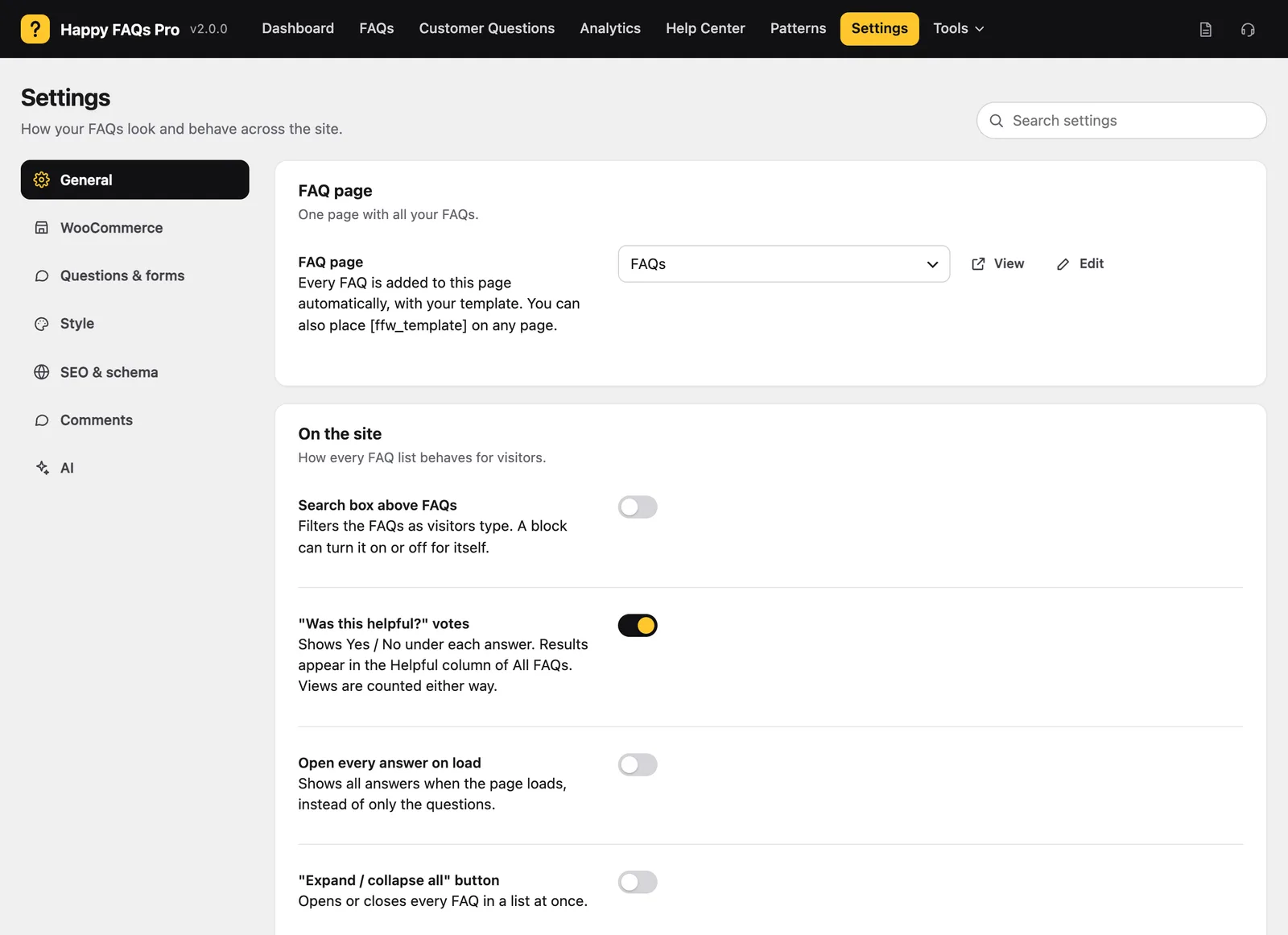
Go to Happy FAQs → Settings → General and turn on Search box above FAQs. It filters the list as people type.
Step 2: Search the product tab (Pro)
Go to Settings → WooCommerce and turn on Search box in the product FAQ tab. Choose left, center or right.
Step 3: Search every FAQ (Pro)
Place [ffw_search], or the search block or Elementor widget, anywhere. It searches all FAQs with suggestions as you type.
Still stuck? We’re happy to help.
Contact support