
How to install Happy FAQs
Install the free Happy FAQs plugin from WordPress.org, then add Pro and activate your license.
Step 1: Search for the plugin
In WordPress, go to Plugins → Add New Plugin and search for Happy FAQs.
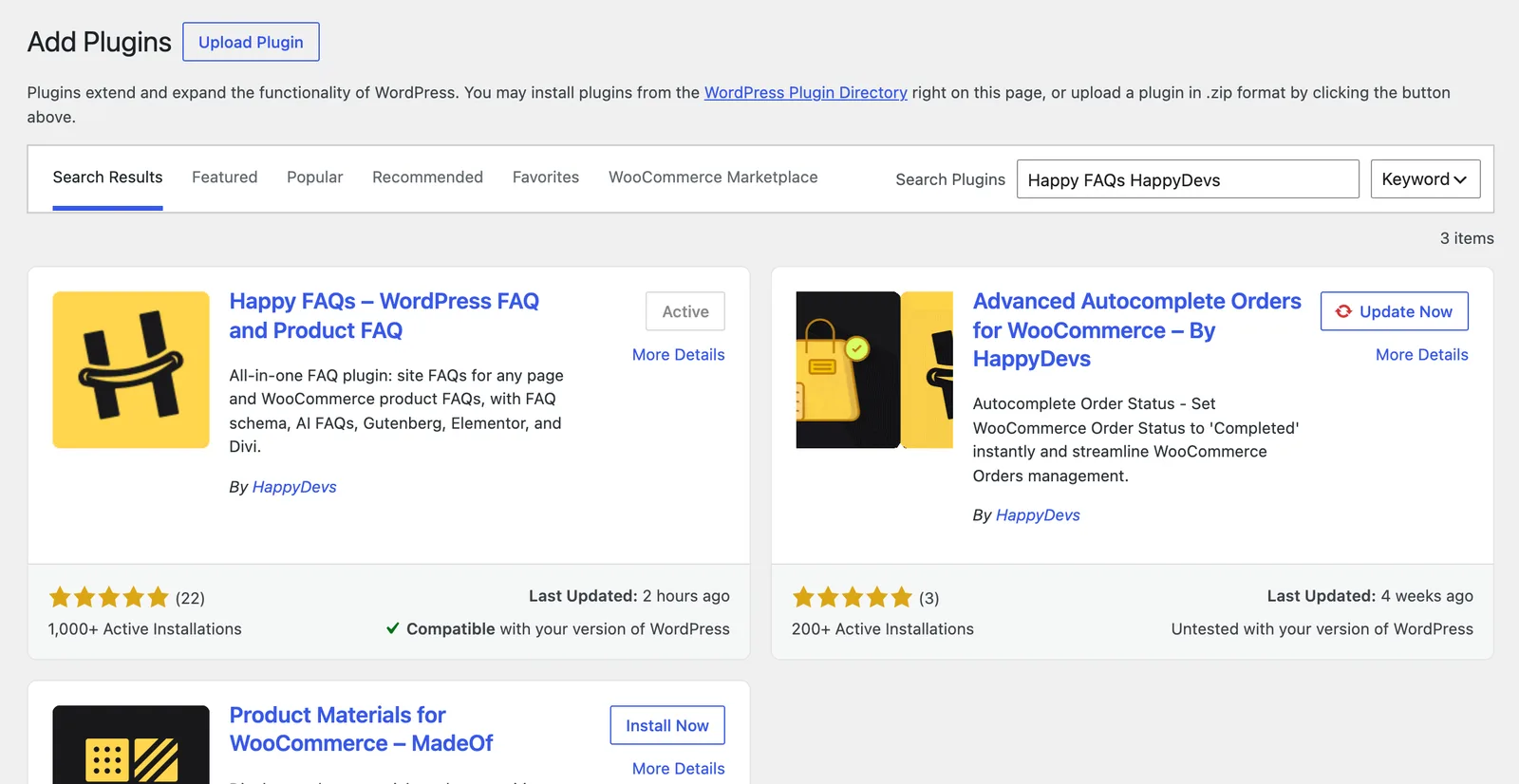
Step 2: Install and activate
Click Install Now, then Activate. The setup wizard opens.
Step 3: Add Happy FAQs Pro (optional)
- Download the Pro zip from your purchase email.
- Go to Plugins → Add New Plugin → Upload Plugin and choose the zip.
- Click Install Now, then Activate Plugin.
Step 4: Activate your license
Enter your license key when asked. You can find it later under Happy FAQs → Account.
Keep both active. Pro adds to the free plugin, so do not delete the free one.
Frequently asked questions
Do I need to keep the free plugin after installing Pro?
Yes. Pro adds features to the free plugin, so both must be installed and active.
Will updating delete my FAQs?
No. Updates keep all your FAQs and settings.
Still stuck? We’re happy to help.
Contact support