
How to get started with Happy FAQs
Install Happy FAQs, run the setup wizard and publish your first FAQs in about five minutes.
You can have a working FAQ list on your site in about five minutes.
Step 1: Install the plugin
Install and activate Happy FAQs from Plugins → Add New Plugin. See How to install Happy FAQs.
Step 2: Run the setup wizard
The wizard opens after activation. Pick what you want to create first and it adds a few starter questions. See How to use the setup wizard.
Step 3: Follow the dashboard checklist
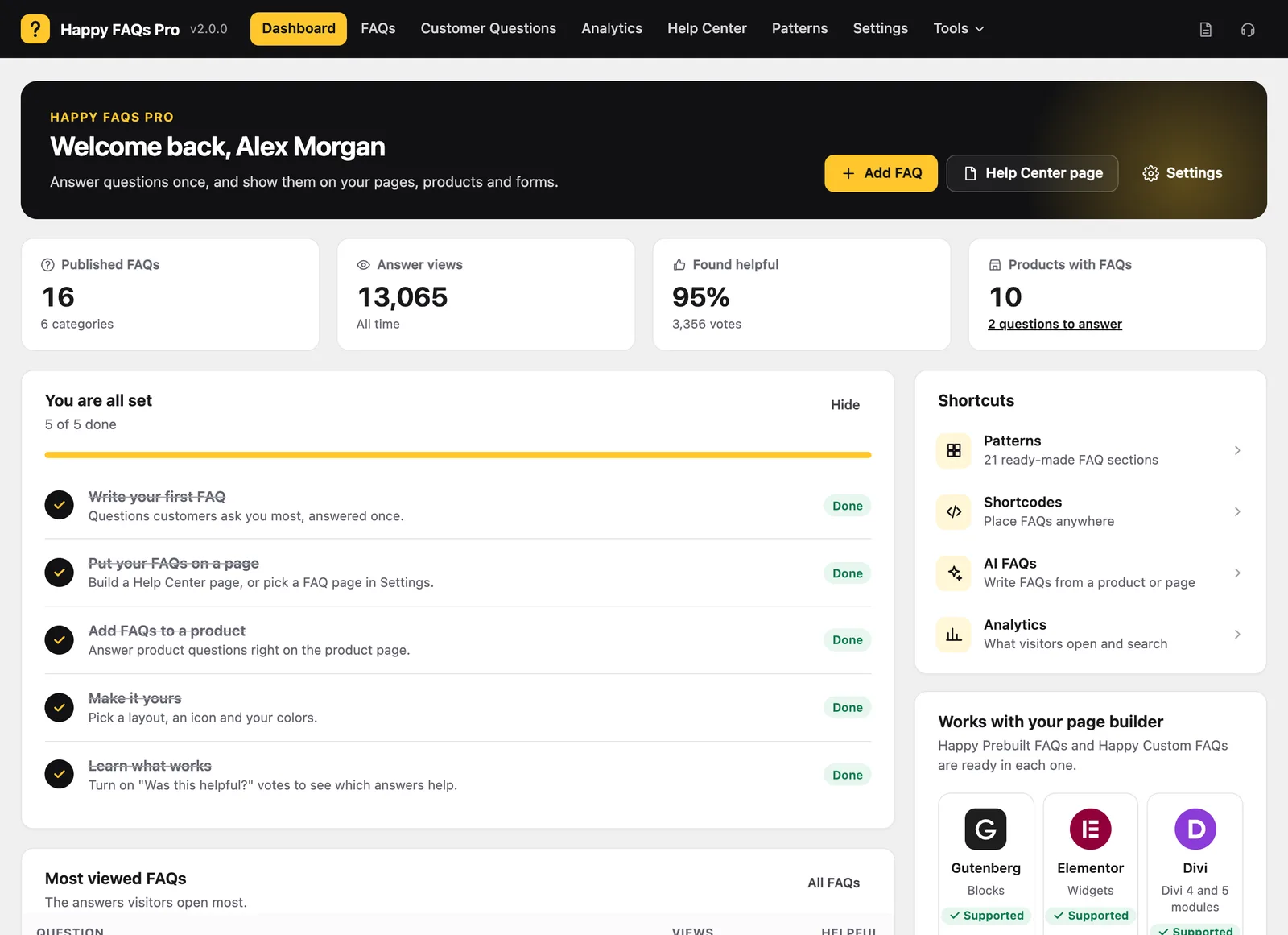
Open Happy FAQs → Dashboard. The checklist shows what is left: write a FAQ, put FAQs on a page, add FAQs to a product, choose a style and turn on helpful votes.
Tip: Every Happy FAQs screen has a "Prefer the previous screen?" link at the bottom if you liked the old admin.
Still stuck? We’re happy to help.
Contact support