
How to suggest FAQs in contact forms
Pro featureShow matching FAQs while visitors type in WPForms, Contact Form 7 or Fluent Forms, and avoid support tickets.
Step 1: Turn it on
Go to Happy FAQs → Settings → Questions & forms and turn on FAQ suggestions in contact forms.
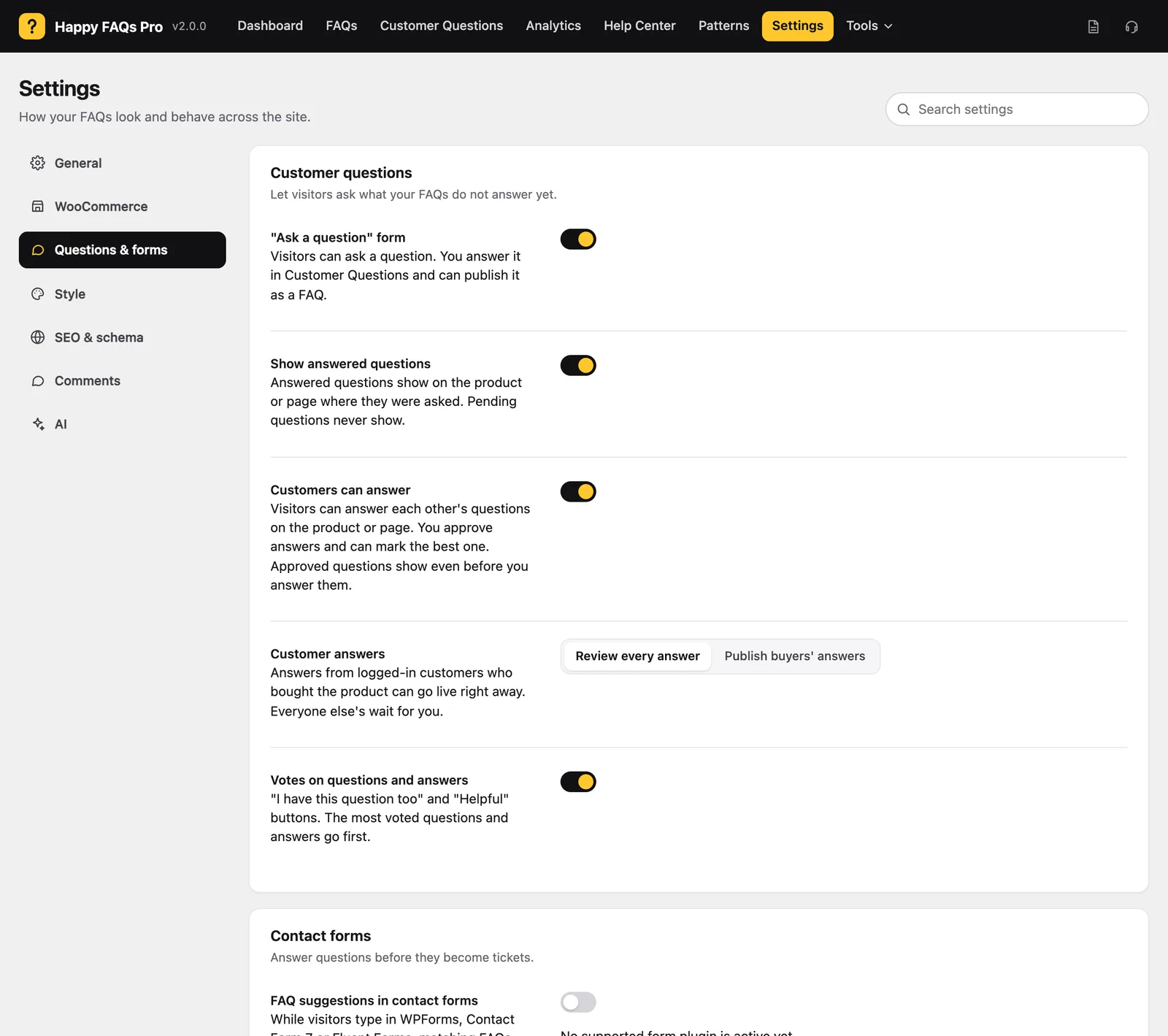
Step 2: Check your form
Open a page with your WPForms, Contact Form 7 or Fluent Forms contact form. Type a question: matching FAQs appear under the message.
Step 3: Track tickets avoided
When a visitor clicks “Yes, thanks”, it counts as a ticket avoided. See the total in Analytics.
Any other form can opt in with the ffw-suggest CSS class.
Frequently asked questions
Are messages stored?
No. Messages are only read to find matching FAQs.
Still stuck? We’re happy to help.
Contact support