
How to create FAQ groups
Pro featureBuild hand-picked FAQ lists in your own order and show each with one shortcode.
A FAQ group is a hand-picked list, in the exact order you choose. Use it for landing pages and campaigns.
Step 1: Open FAQ Groups
Go to Happy FAQs → Tools → FAQ Groups.
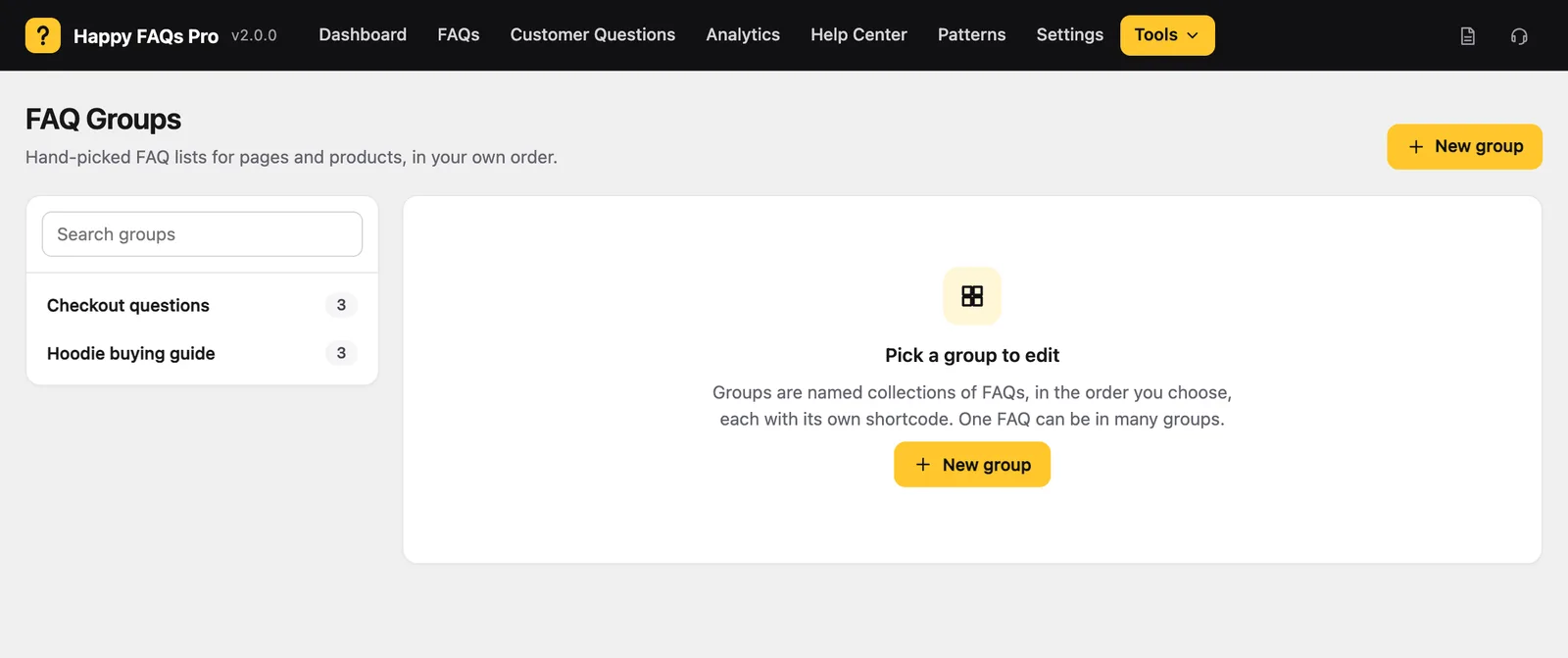
Step 2: Create a group
Click New group and give it a name, such as “Checkout questions”.
Step 3: Add and order FAQs
Search for FAQs, add them, and drag them into order. Save the group.
Step 4: Show the group
Copy the group shortcode, for example [ffw_template group_id="5"], and paste it on a page.
Frequently asked questions
What is the difference between a group and a category?
A category is a topic. A group is a hand-picked list in your own order, and a FAQ can be in many groups.
Still stuck? We’re happy to help.
Contact support