
How to collect customer questions
Pro featureAdd an "Ask a question" form to products and pages, and show answered questions to visitors.
Step 1: Turn on the form
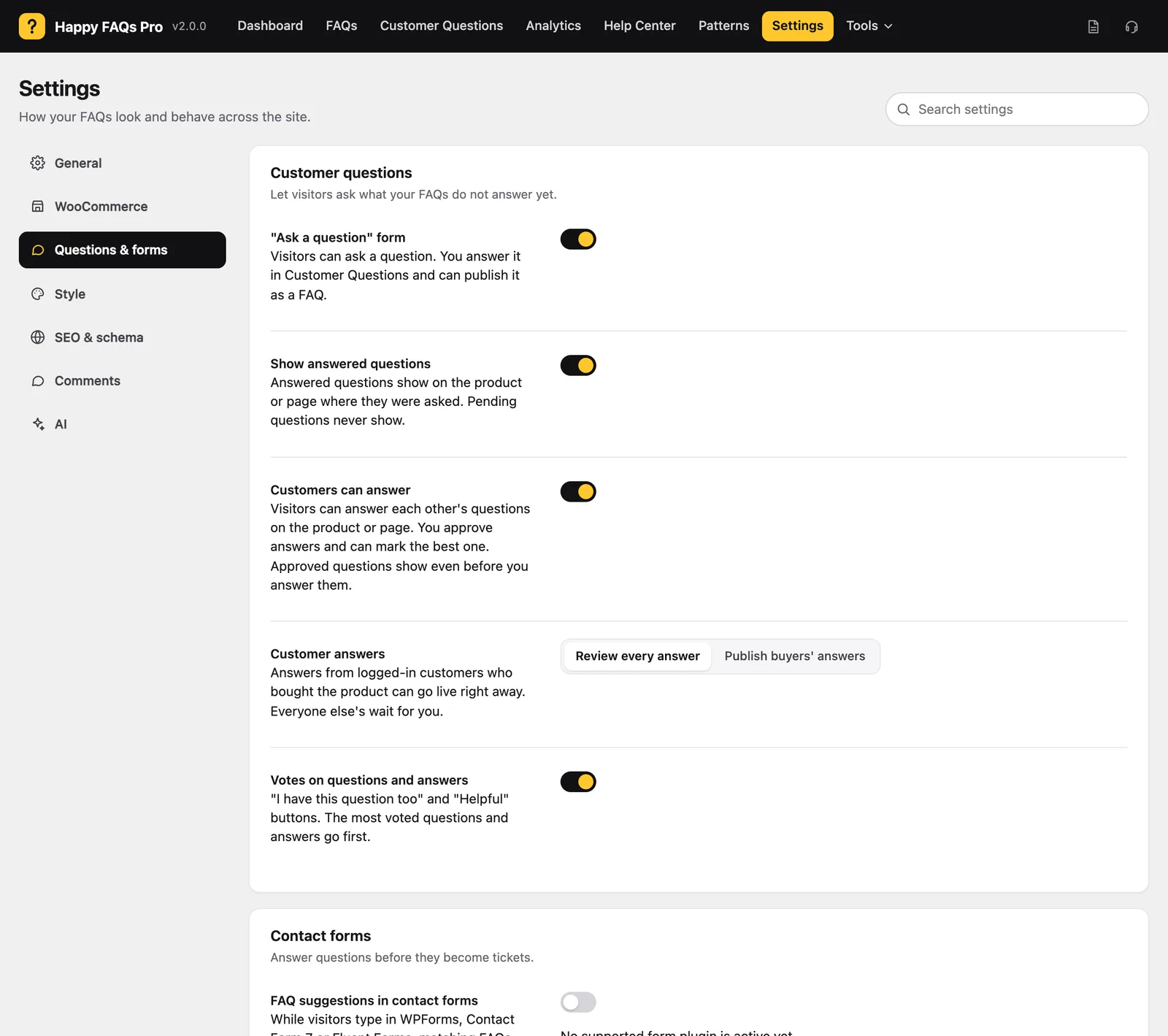
Go to Happy FAQs → Settings → Questions & forms and turn on “Ask a question” form.
Step 2: Check where it shows
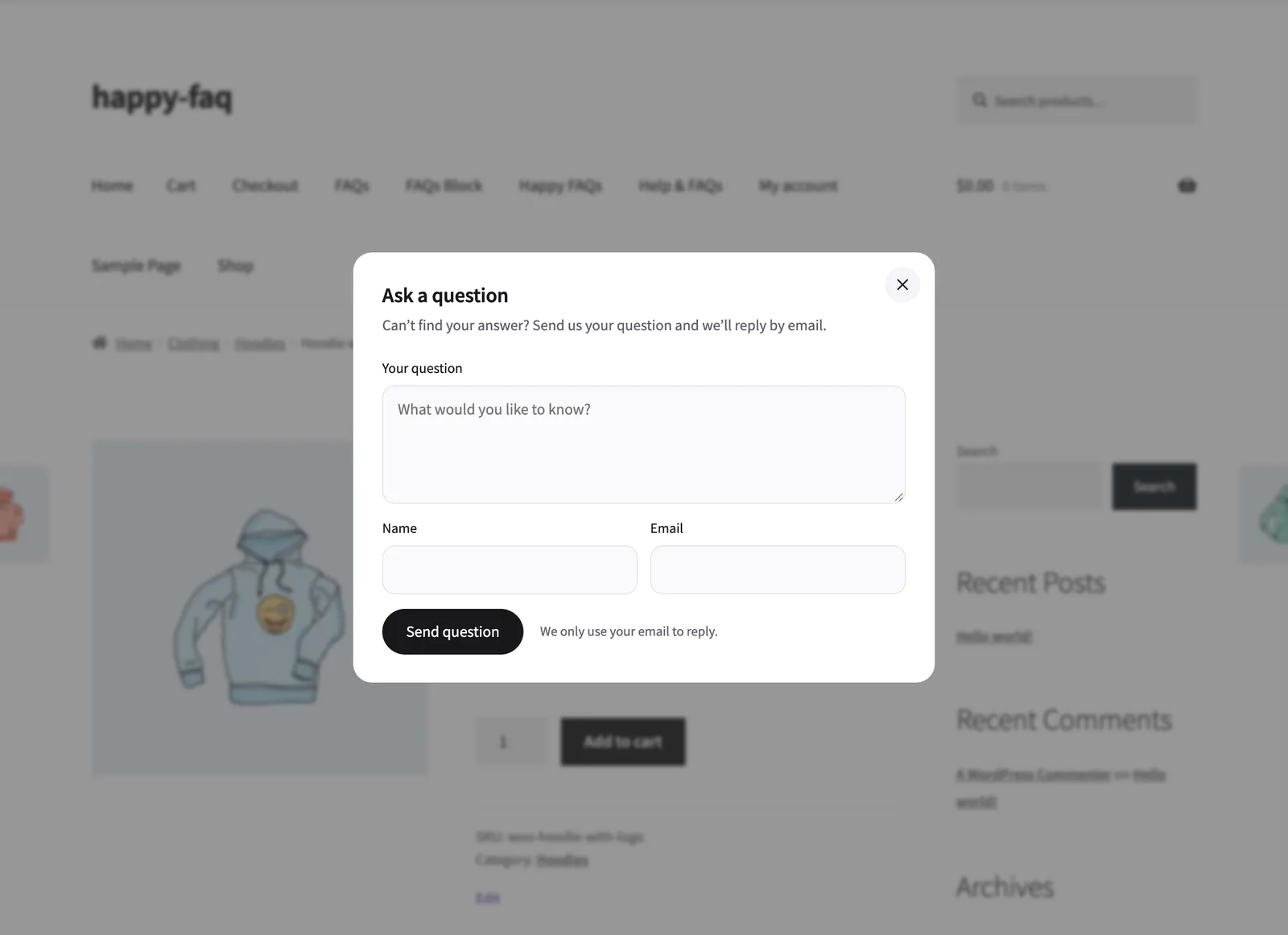
The form appears in the product FAQ tab. Add it anywhere else with the Ask a question block, Elementor widget, or [ffw_ask_question].
Step 3: Show answered questions
Turn on Show answered questions to list them under the FAQs where they were asked.
Frequently asked questions
Are pending questions shown publicly?
No. Only questions you answer or publish are shown.
Is there spam protection?
Yes. The form has built-in spam protection.
Still stuck? We’re happy to help.
Contact support