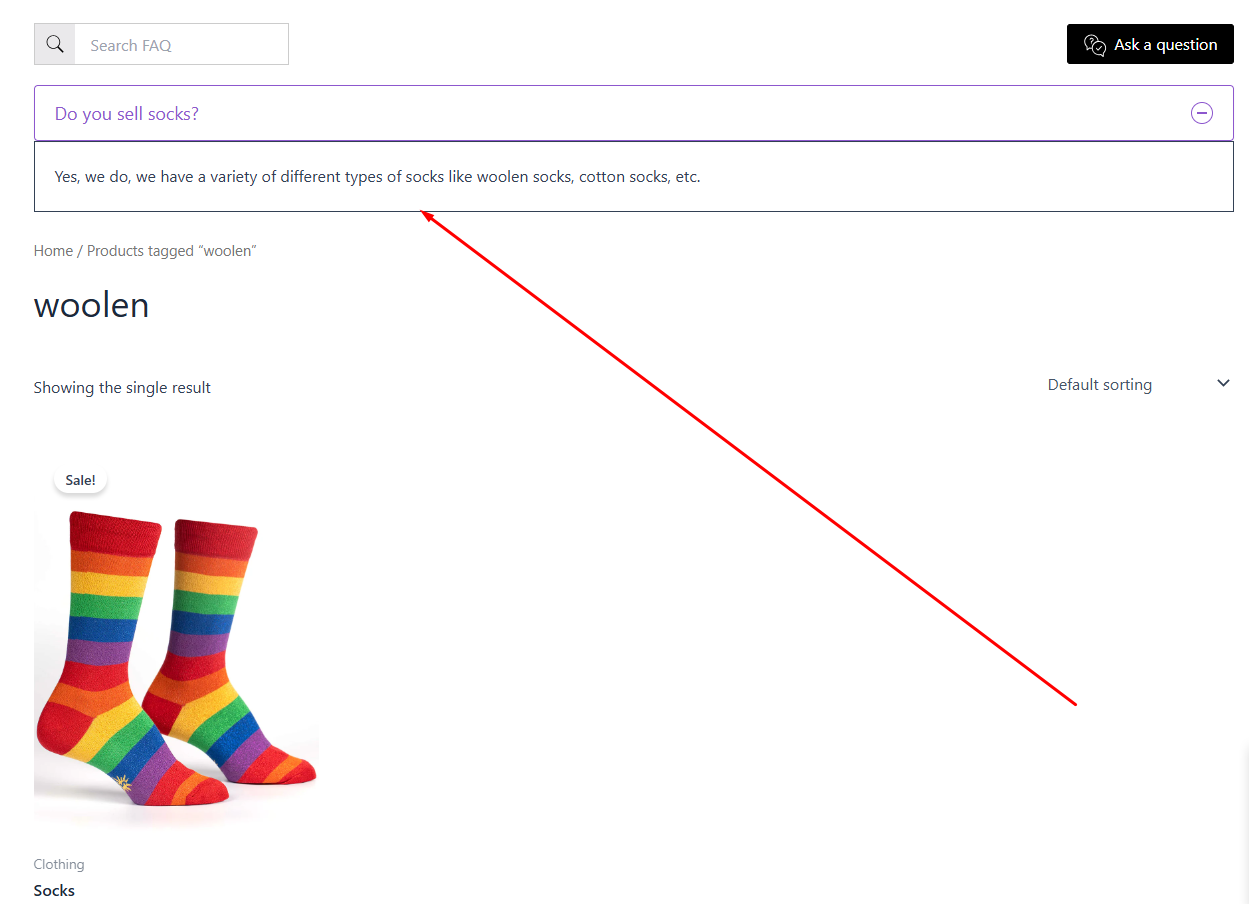
In this step-by-step guide, we will see how to display FAQs in the Product and Archive Pages (Product Categories & Tags Pages) by using the Happy WooCommerce FAQs plugin.
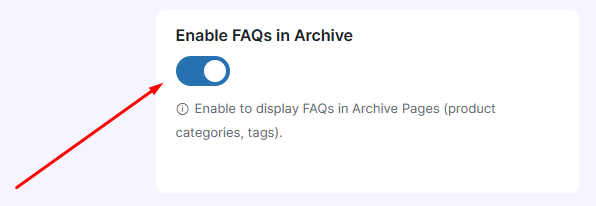
Step 2: Enable FAQs in Archive Pages from the WooCommerce FAQs plugin’s settings page.
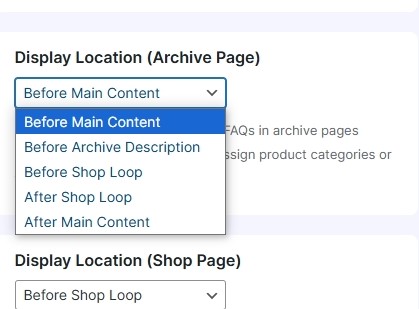
Step 3: Admin needs also to add the display location of the Archive page from Happy FAQs > Settings page like below.
Display Location Archive Page Settings
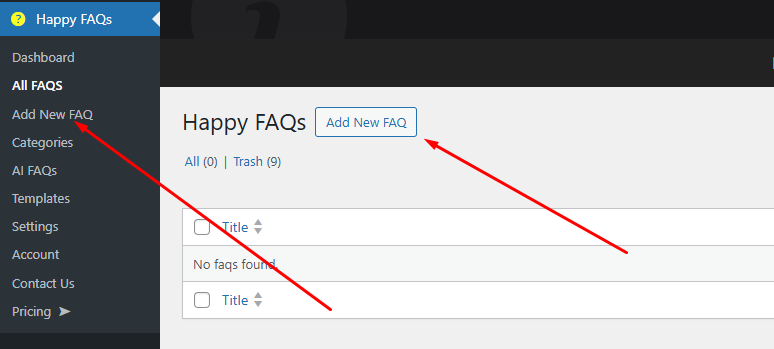
Step 4: Click on “Add New FAQ” from the Happy WooCommerce FAQ’s Menu.
Step 5: Now write an FAQ in the Gutenberg Block Editor like the FAQ written below.

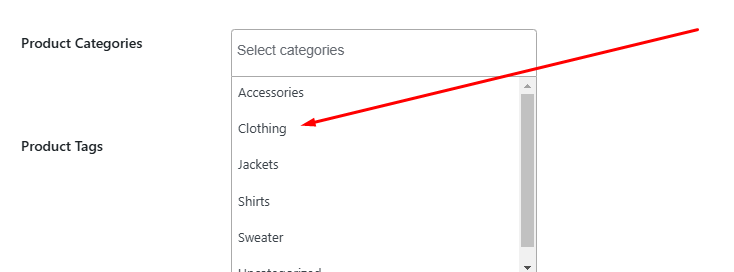
Step 6: Select the Product Categories where you want to display the particular FAQ. We have chosen “clothing”.
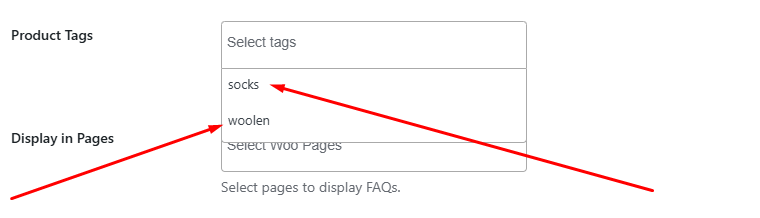
Step 7: Select the Product Tags where you want to show the particular FAQ. We have chosen “woolen” and “socks”.
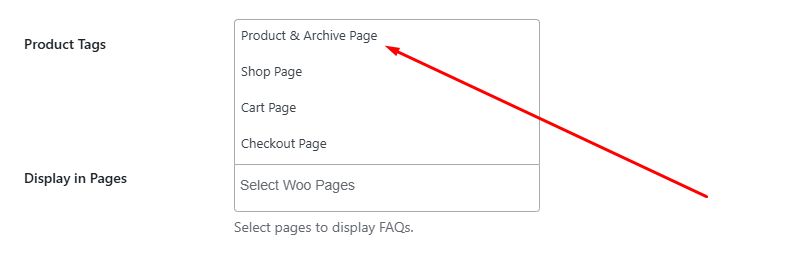
Step 8: From Display in Pages select Product and Archive page to show the particular FAQ in Product and Archive page.
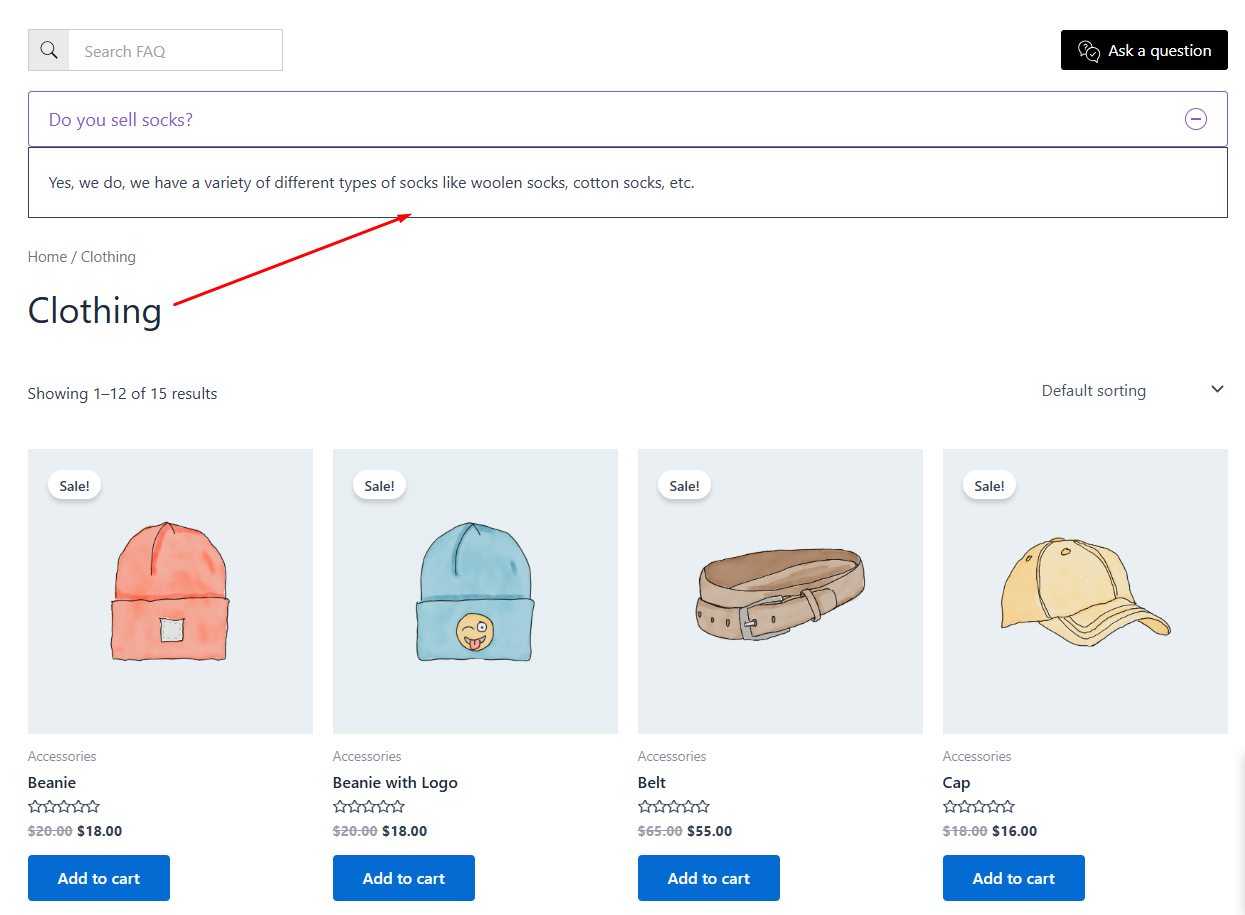
Step 9: Click Publish and visit the Product Category Page like “Clothing” to see the FAQ.
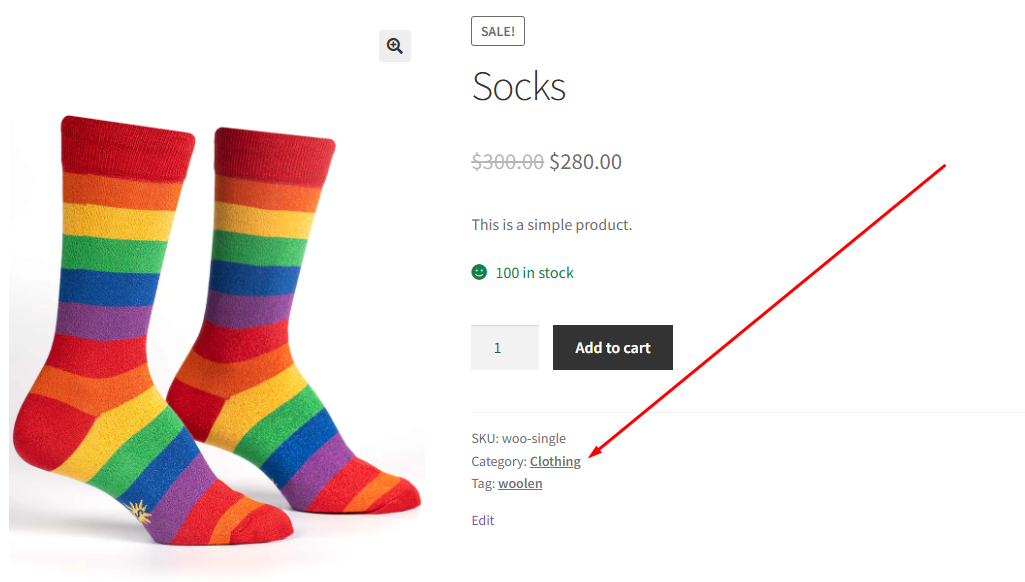
Clothing Category Page FAQs
Step 10: Visit the Product Tags Page to see the FAQ successfully added like the one we just did.
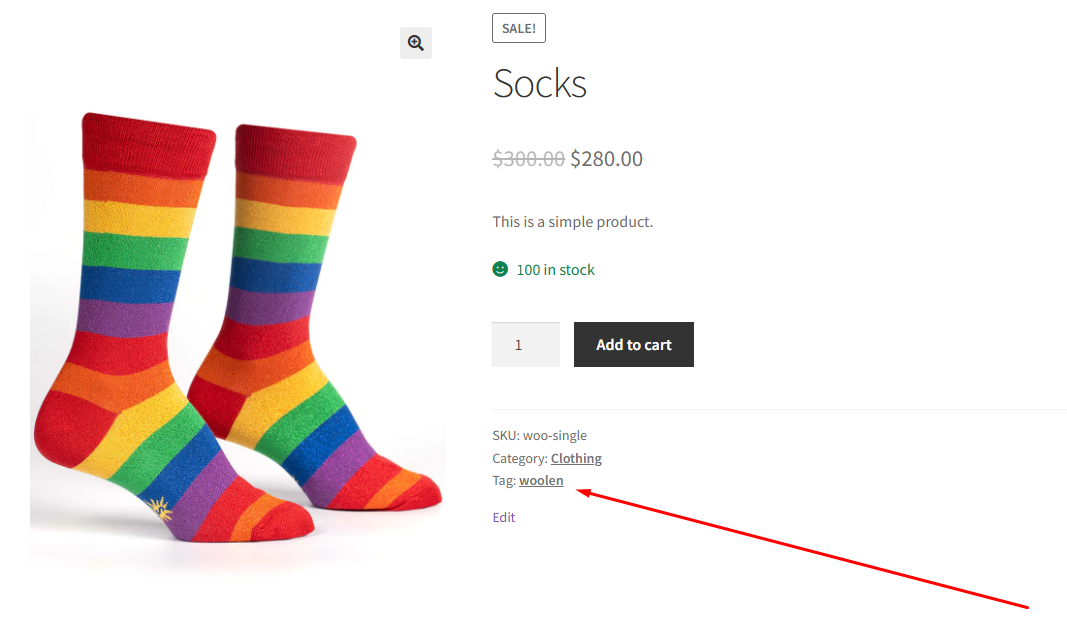
Product Tags Page FAQs