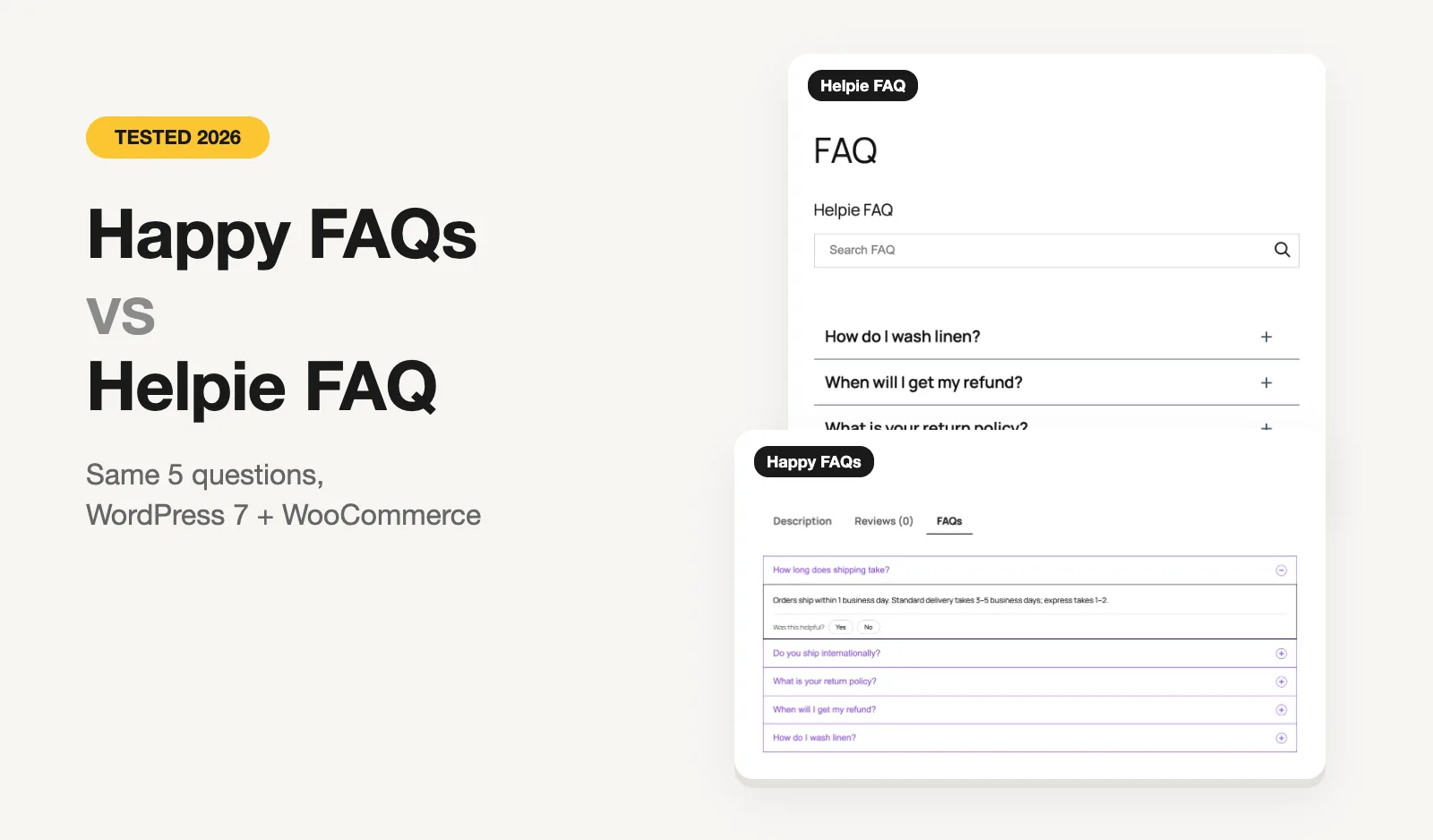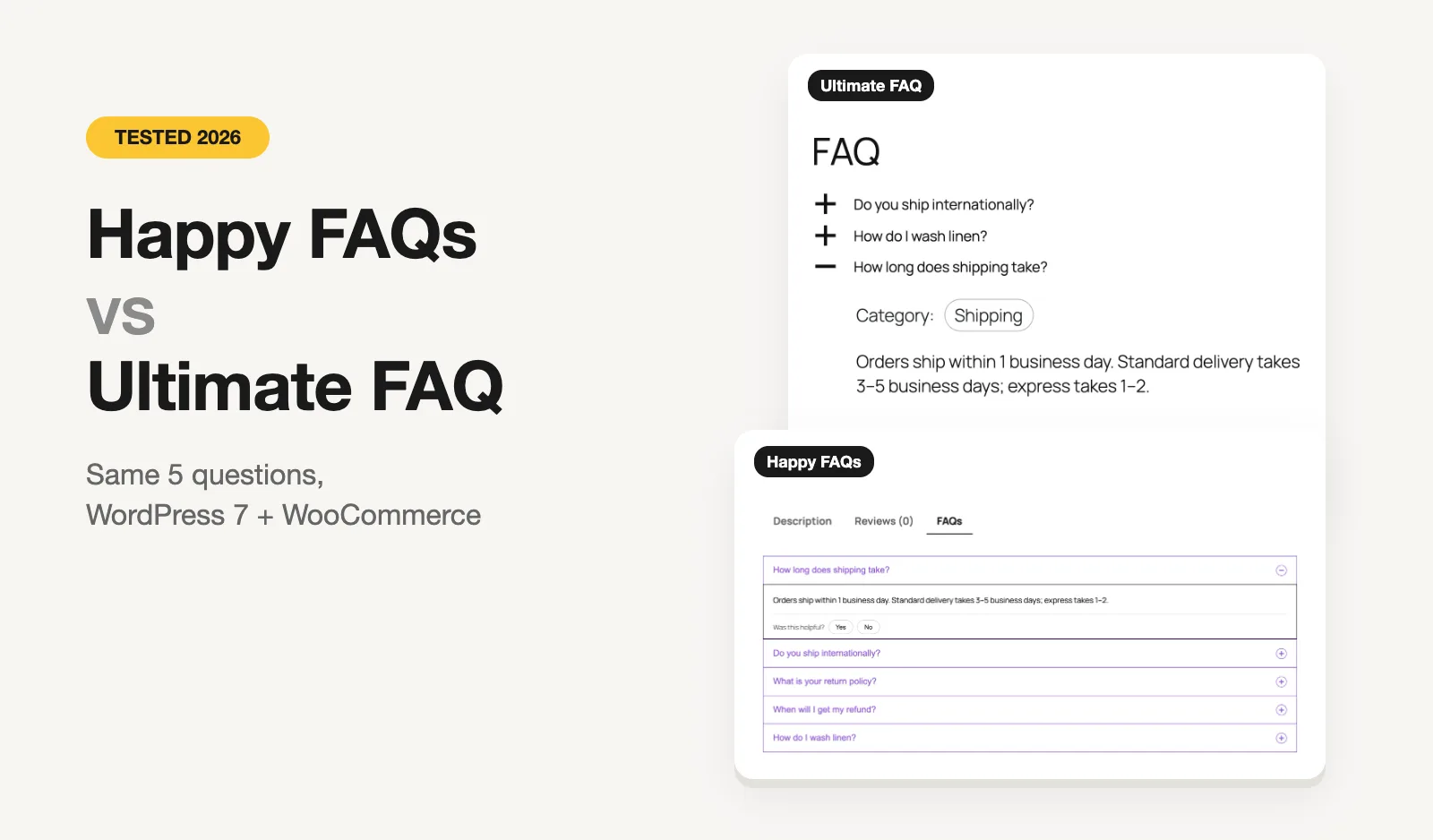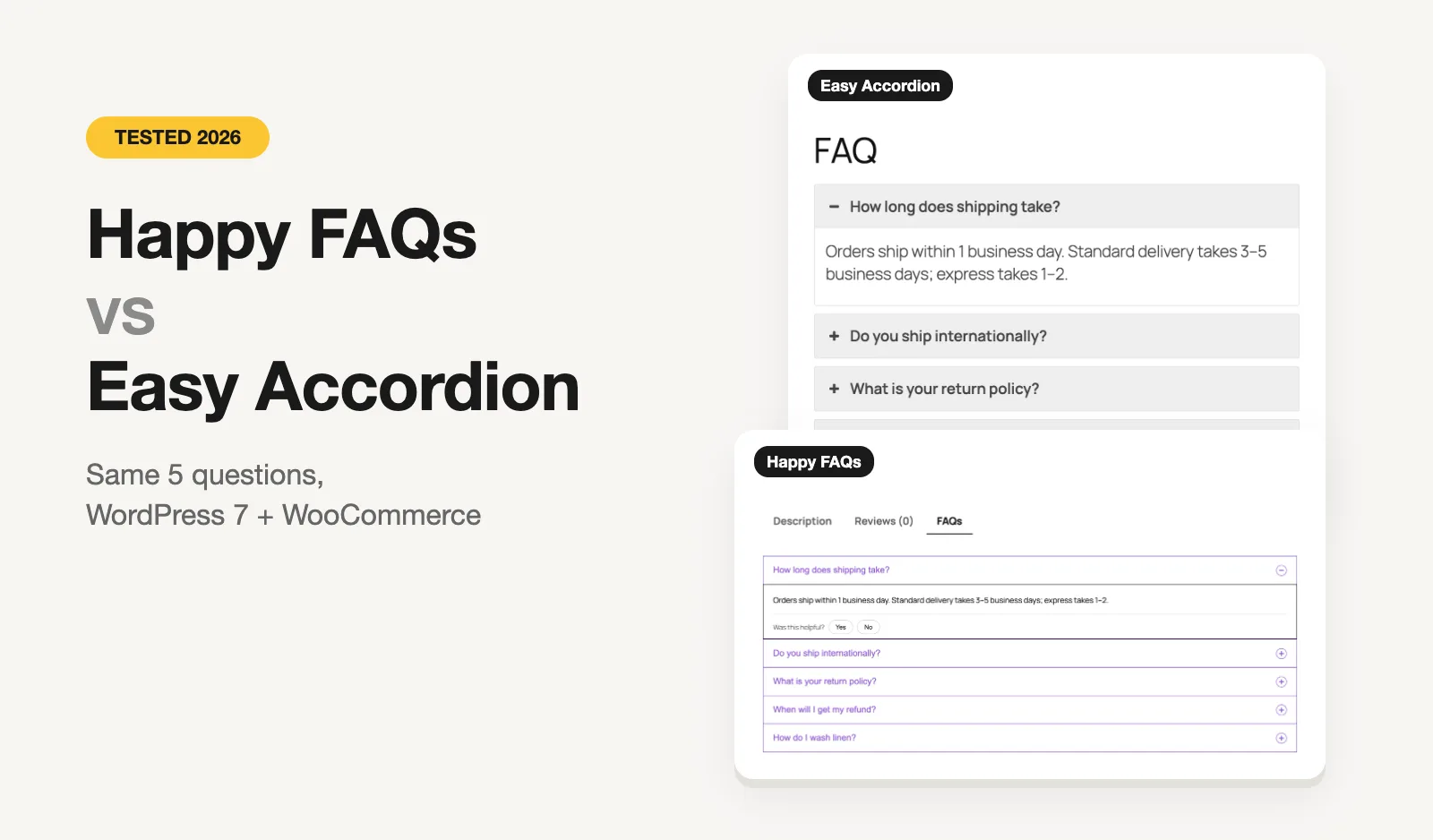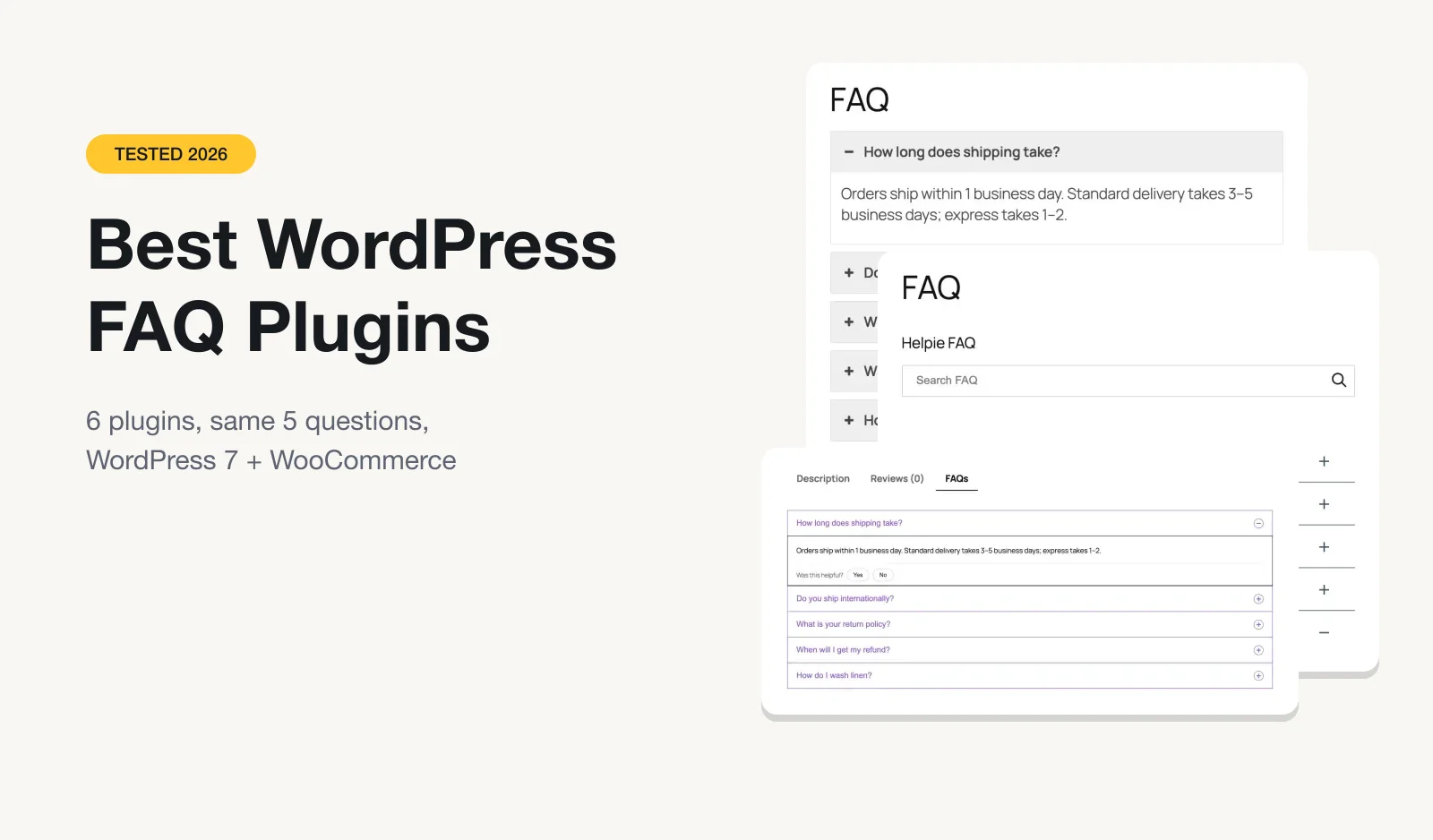
We make Happy FAQs, so take our pick for first place with that in mind. To keep this fair, we put the exact same five questions into six FAQ plugins on one test site, opened the same question in each, and took screenshots on the same theme. Everything you see below is what each plugin did with its default settings.
The short version: there's no single best FAQ plugin. There's a best one for a WooCommerce store, a best one for designs, and a best one if you just want a tidy FAQ page with search. Here's which is which.
Quick picks
- Best for WooCommerce stores: Happy FAQs. Free product FAQs that a product can pick up from its categories and tags, a one-click help center, and AI that needs no API key on WordPress 7.
- Most designs: Easy Accordion. The most installs by far (70,000+) and a huge pattern library. Search and analytics are paid.
- Best simple FAQ page with free search: Ultimate FAQ. Schema, search and view counts in the free version. WooCommerce FAQs are Premium.
- Best free product FAQ tab on a budget: Helpie FAQ. Search box and a WooCommerce FAQ tab for free.
- Lightest: Lightweight Accordion. One tiny accordion, nothing else.
The comparison table
Installs, ratings and last-update dates come from WordPress.org on October 25, 2026. "Free" means what the free version on WordPress.org does, not the paid add-on. "Free product FAQs" means an FAQ tab on WooCommerce product pages.
| Plugin | WordPress.org | FAQ schema | Free search | Free product FAQs | Free AI |
|---|---|---|---|---|---|
| Happy FAQs | 1,000+ installs 4.8★ (22) Oct 2026 | On | Yes | Yes, per product, category and tag | Yes, no key on WP 7 |
| Easy Accordion | 70,000+ installs 4.9★ (358) Oct 2026 | Off by default | Pro | One group on all products | Yes, your Gemini key |
| Ultimate FAQ | 30,000+ installs 4.6★ (439) Oct 2026 | On | Yes | Premium | Yes, via their server |
| Helpie FAQ | 9,000+ installs 4.5★ (80) Sep 2026 | On | Yes | Per product | No |
| Quick and Easy FAQs | 10,000+ installs 4.6★ (36) Jun 2026 | None | No | No | No |
| Lightweight Accordion | 10,000+ installs 5.0★ (60) Oct 2026 | Optional | No | No | No |
Pricing compared
Every plugin here has a free version on WordPress.org. This is what the paid versions cost. Two of the six, Quick and Easy FAQs and Lightweight Accordion, have no paid version at all.
| Paid version | 1 site | 5 sites | Bigger plan | Lifetime option | Trial / refund |
|---|---|---|---|---|---|
| Happy FAQs Pro | $29.99/yr | $79.99/yr | Unlimited: $199.99/yr | $89.99 / $239.99 / $599.99 | 14-day refund |
| Easy Accordion Pro | $29/yr | $99/yr | Unlimited: $199/yr | $129 / $229 / $399 (half price on the day) | 14-day refund |
| Ultimate FAQ Premium | $67 once | $127 once | 10 sites: $197 once | Lifetime only; support free for 6 months, then $22 per 6 months | 7-day trial, 14-day refund |
| Helpie FAQ Pro | $38.99/yr | $79/yr | 100 sites: $149.99/yr | No | 7-day trial, 14-day refund |
| Quick and Easy FAQs | Free only | ||||
| Lightweight Accordion | Free only | ||||
Prices are in US dollars, from each developer's own pricing page on October 26, 2026. Some were sale prices on that day, so check before you buy.
For one site, the yearly plans are all within $10 of each other. The bigger differences are in how you pay: Ultimate FAQ sells only one-time licenses with paid support after six months, Helpie is yearly only, and Happy FAQs and Easy Accordion offer both.
How we tested
We built one test store on WordPress 7 with WooCommerce, the default Twenty Twenty-Five theme and PHP 8.3, using WordPress Playground. Every plugin got the same five questions about shipping, returns and washing linen, sorted into the same three categories. Then we:
- added the FAQs to a page using each plugin's own shortcode, with default settings;
- opened "How long does shipping take?" and took a screenshot;
- checked the page source for FAQPage schema;
- read each plugin's code to confirm which features are free and which need the paid version, rather than going only by the sales page.
We didn't change any styling, so the screenshots show what you get out of the box. Every plugin here can be restyled.
1. Happy FAQs
Best for: WooCommerce stores, and anyone who wants a proper help center page without building it by hand.
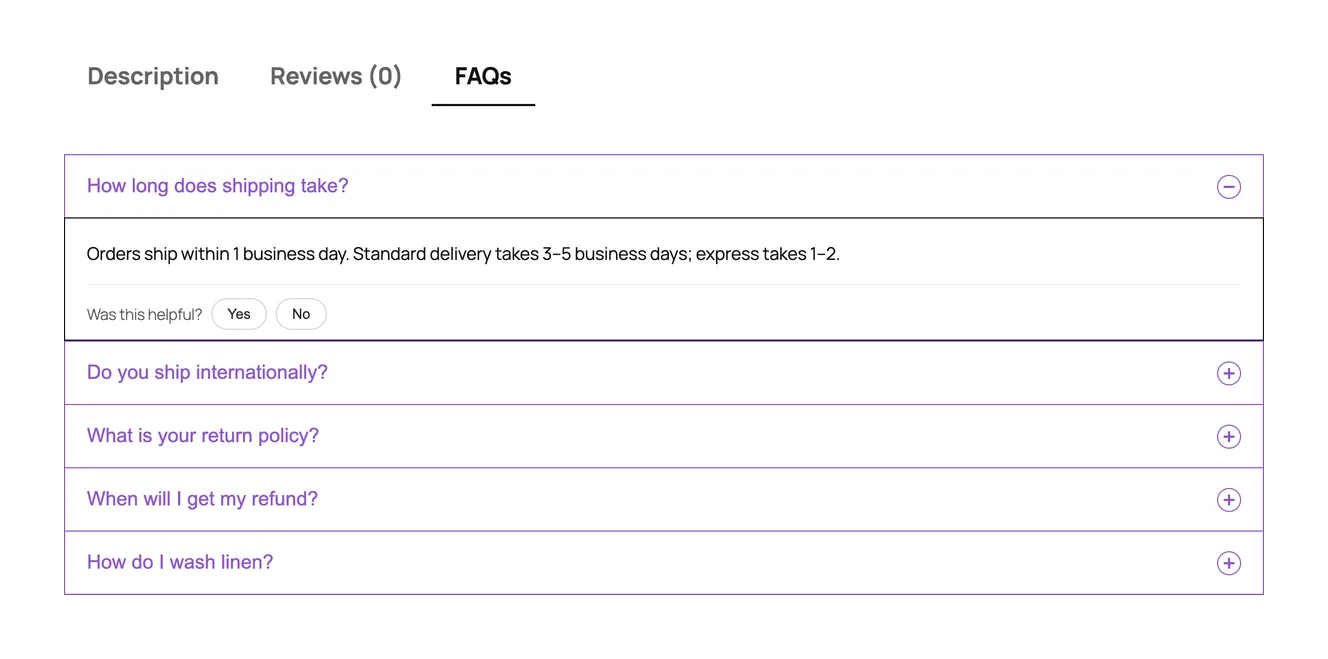
Happy FAQs (that's ours) started as a WooCommerce FAQ plugin and still goes deepest there. You write each question once in a central library and show it wherever it's needed: a page, a product, a whole product category or tag. When we assigned the five questions to our test product, they showed up in a new FAQs tab, with a "Was this helpful?" vote under each answer.
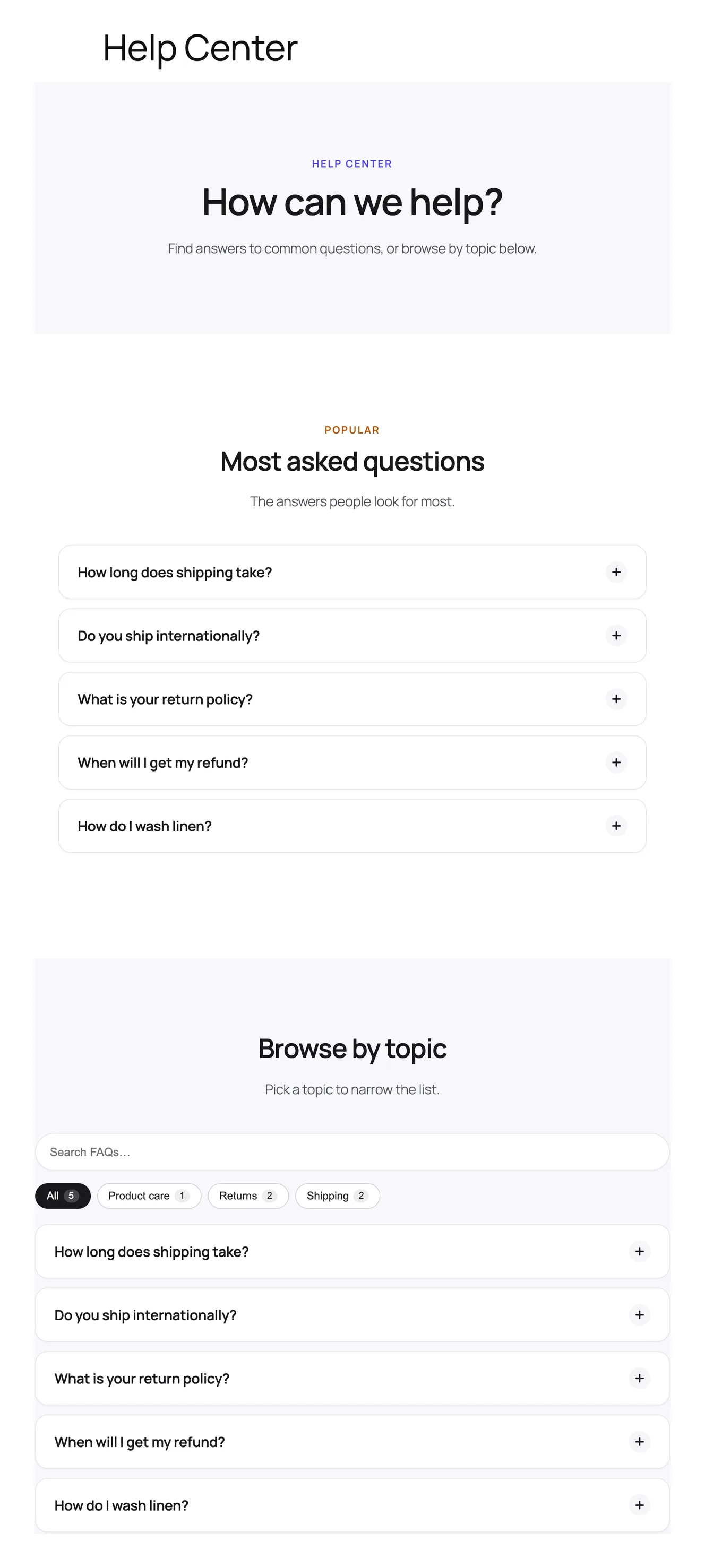
The Help Center builder was the part we'd point people to first. You pick a layout and style, click once, and get a page with a hero, the most-viewed questions, topic filters and a search box. It stays in sync with your library, so new FAQs show up there without editing the page.
What's free:
- FAQ tab on product pages, with FAQs inherited from product categories and tags. No other plugin in this test does that for free.
- AI that writes FAQs from a product, page or topic. On WordPress 7.0+ it uses the AI connection built into WordPress, so you don't paste an API key. An OpenAI key works as a fallback.
- Help Center page builder and 21 ready-made FAQ patterns.
- FAQ schema, merged into one block per page with duplicates removed.
- Gutenberg blocks, Elementor widgets, and Divi 4 and Divi 5 modules.
- Helpful votes and view counts, keyboard-friendly accordions, and CSS/JS that loads only on pages that show FAQs.
What's paid (Pro): FAQ analytics, including the searches that found no answer. FAQ suggestions inside WPForms, Contact Form 7 and Fluent Forms, which count the support tickets avoided. Product Q&A with voting, FAQs on the shop, cart and checkout pages, variation FAQs, spreadsheet import and export, and site-wide AJAX search.
Watch out for: it's the smallest plugin here by installs (1,000+), so you'll find fewer tutorials from other people. The search box across your whole library is Pro; the free version filters the FAQs already on the page.
2. Easy Accordion
Best for: sites where the look matters most, and people who use accordions for more than FAQs.
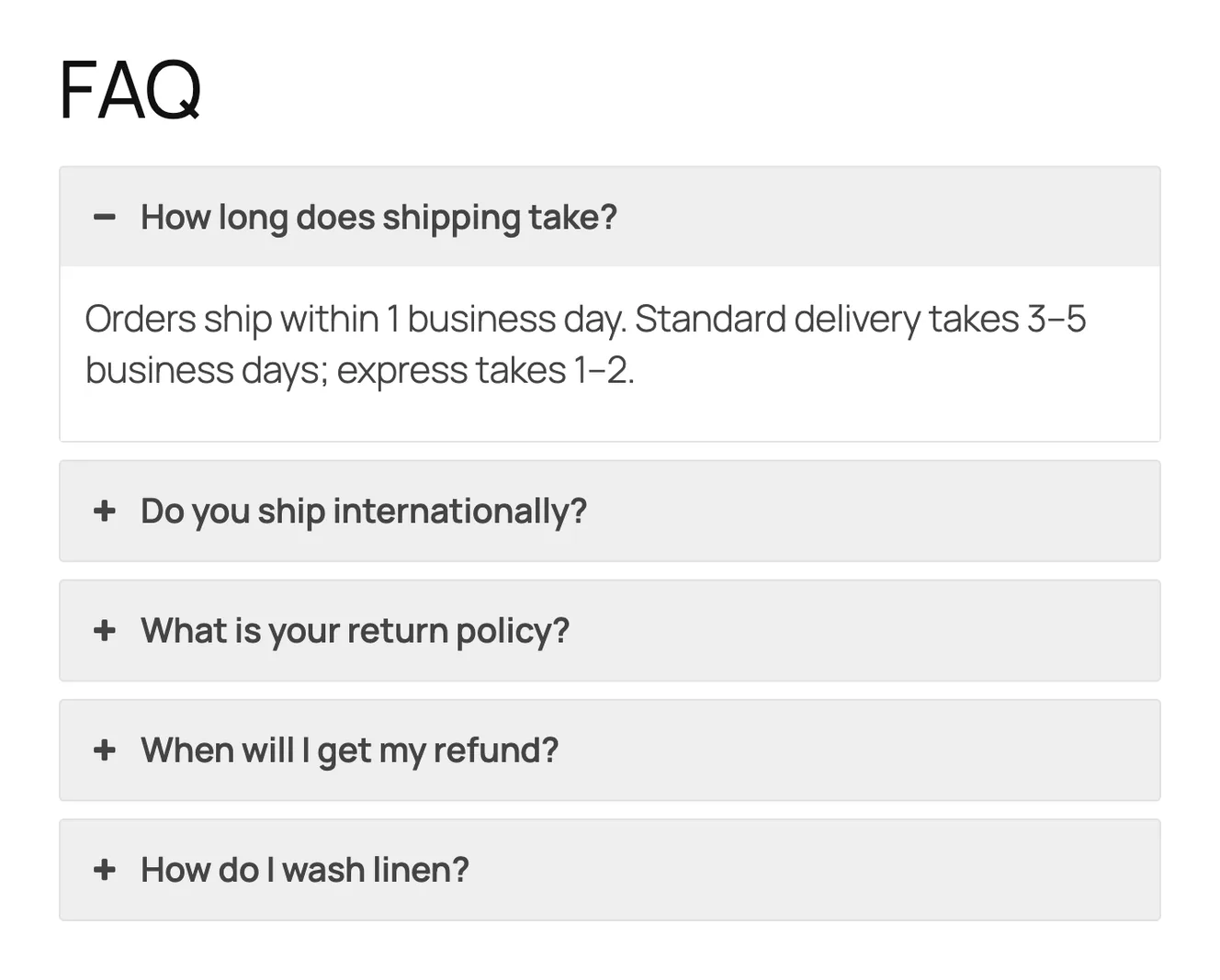
Easy Accordion is the most popular plugin in this list by a wide margin, with 70,000+ active installs and a 4.9 rating from 358 reviews. It's really an accordion builder that does FAQs well: horizontal and image accordions, post and product accordions, nested accordions and more than 15 blocks. If you want your FAQ to look a specific way, this is where you'll find the most ready designs.
Two things surprised us. First, FAQ schema is a switch on each FAQ group, and it was off on our group by default, so the page had no FAQPage markup until we turned it on. Second, the AI generator connects to Google Gemini with an API key you supply.
What's free: patterns and blocks, AI FAQ generation (with your Gemini key), FAQ schema (once switched on), categories, import/export, and a WooCommerce FAQ tab that shows one FAQ group on every product.
What's paid: AJAX search, visitor question forms, analytics on popular FAQs, "toggle all", accordion sliders, front-end category filters and many layout options.
Watch out for: the free product tab shows the same FAQs on every product. If your products need different questions, check the Pro version first.
Deciding between this and our plugin? Read our Happy FAQs vs Easy Accordion comparison.
3. Ultimate FAQ
Best for: a straightforward FAQ page with search and schema, without paying.
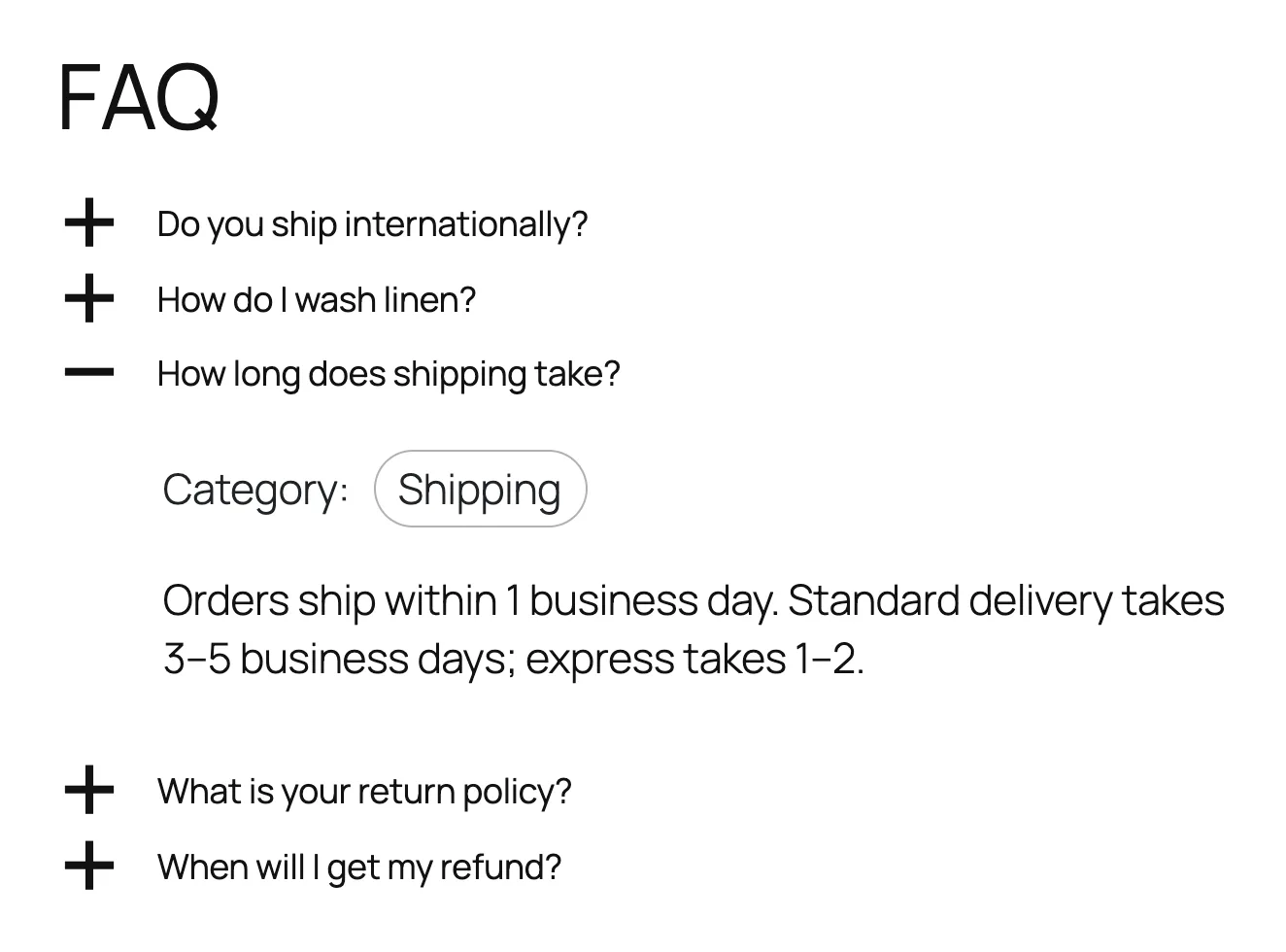
Ultimate FAQ has been around since 2014 and has the most reviews in this list (439). The free version is generous for a plain FAQ page: unlimited FAQs, categories and tags, FAQ schema, a search form, view counts and comments on FAQs. Out of the box it sorted our questions alphabetically and showed each FAQ's category inside the answer, which you can turn off.
Its free AI generator doesn't ask for an API key. Instead, the page text you choose is sent to the developer's server, which passes it on to OpenAI. The plugin says this clearly in its privacy note, and it only sends public content when an admin starts it.
What's paid (Premium): the WooCommerce FAQ tab, live AJAX search, user-submitted questions, FAQ suggestions in WPForms, spreadsheet import/export, PDF export, and a newer analytics feature that tracks searches with no result and drafts the missing FAQs with AI. There's a 7-day free trial.
Watch out for: if you run a WooCommerce store, the product FAQ tab is Premium-only.
Weighing it against ours? Read our Happy FAQs vs Ultimate FAQ comparison.
4. Helpie FAQ
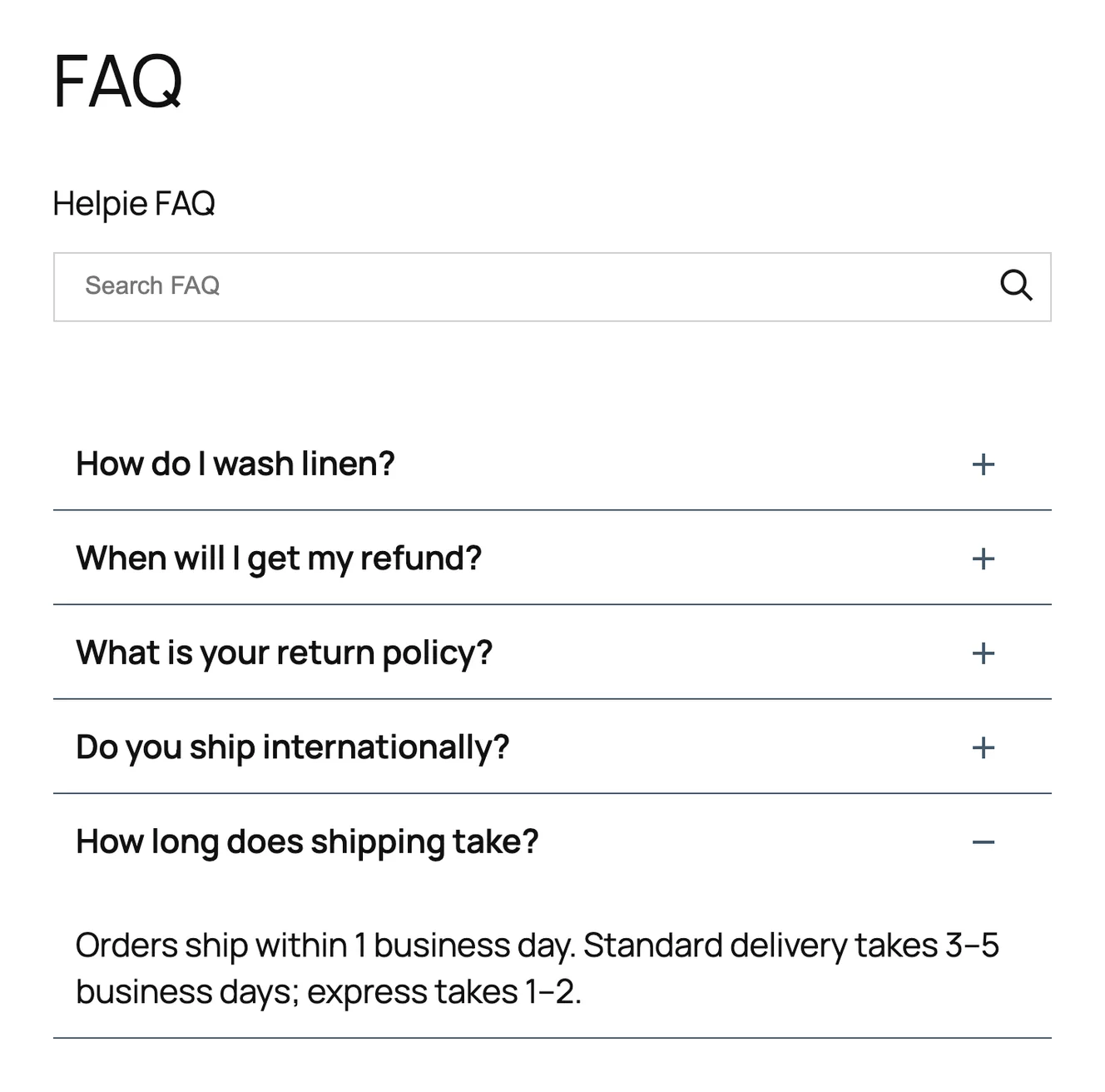
Best for: a searchable FAQ and a basic WooCommerce FAQ tab on a free plan.
Helpie FAQ puts a search box above the questions straight away. None of the other plugins' basic FAQ shortcodes did that on default settings. It also adds an FAQ tab to WooCommerce product pages in the free version, where you add FAQs to each product. It comes with Elementor widgets and a Gutenberg block.
One small thing: on activation it created three sample FAQs ("Your First FAQ Question" and two more), which turned up in our list until we deleted them.
What's paid (Pro): showing FAQs on all products or by product category, visitor question submissions, insights on most-read FAQs and most-searched terms, pagination and more styling. The readme also lists product Q&A and FAQs for LearnDash, Tutor LMS and LearnPress.
Watch out for: no AI generation, and adding the same FAQs to many products one by one gets slow without Pro.
Comparing it with ours? Read our Happy FAQs vs Helpie FAQ comparison.
5. Quick and Easy FAQs
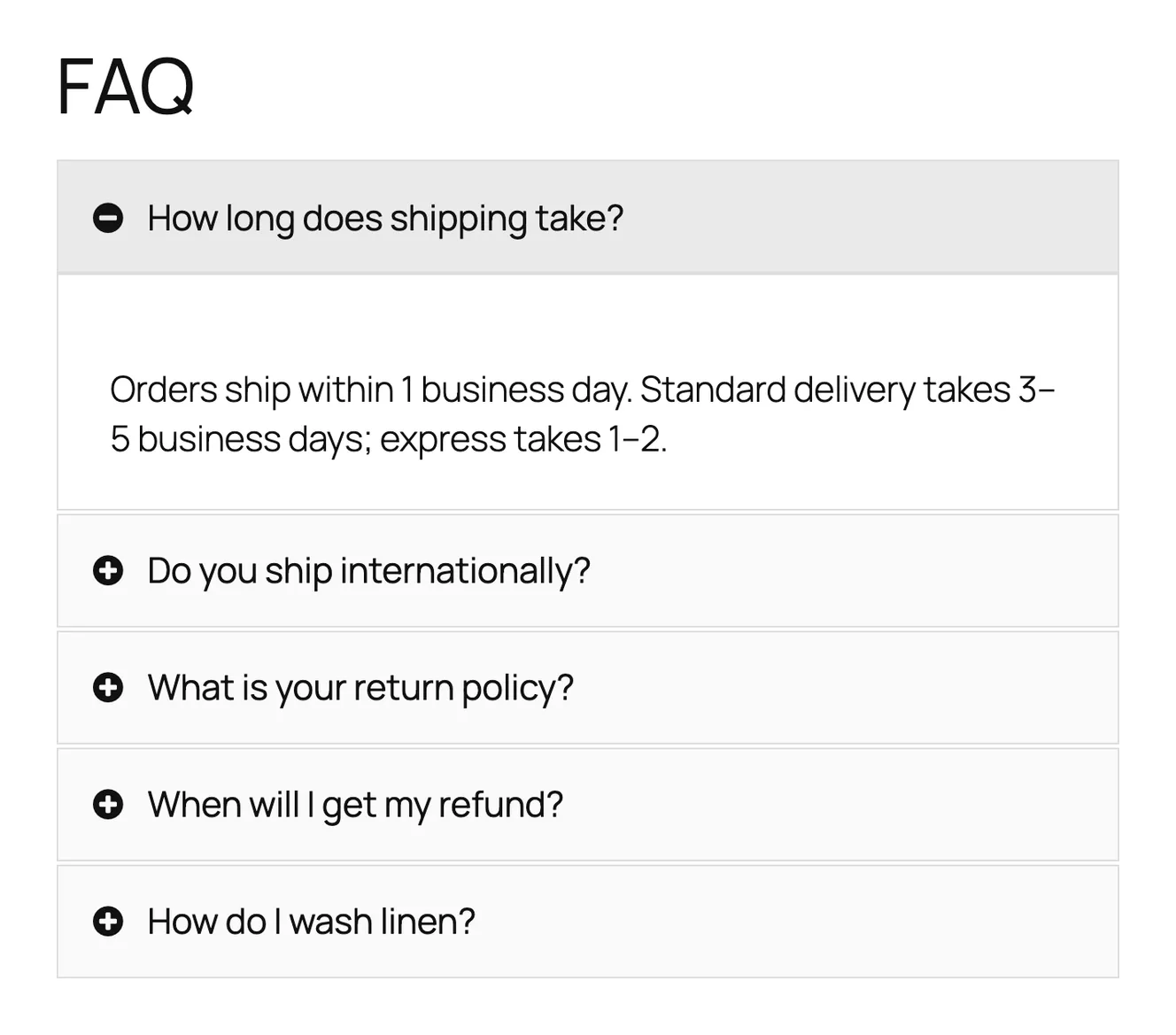
Best for: a simple FAQ list when you don't care about schema or search.
Quick and Easy FAQs does what the name says. You add FAQs, put them in groups, and show them as a list, an accordion or toggles, with an optional filter by group. There's no paid version. The accordion looked clean with no setup.
Watch out for: we found no FAQ schema on the page, there's no search, and the current version needs PHP 8.3 or newer, which some hosts don't run yet.
6. Lightweight Accordion
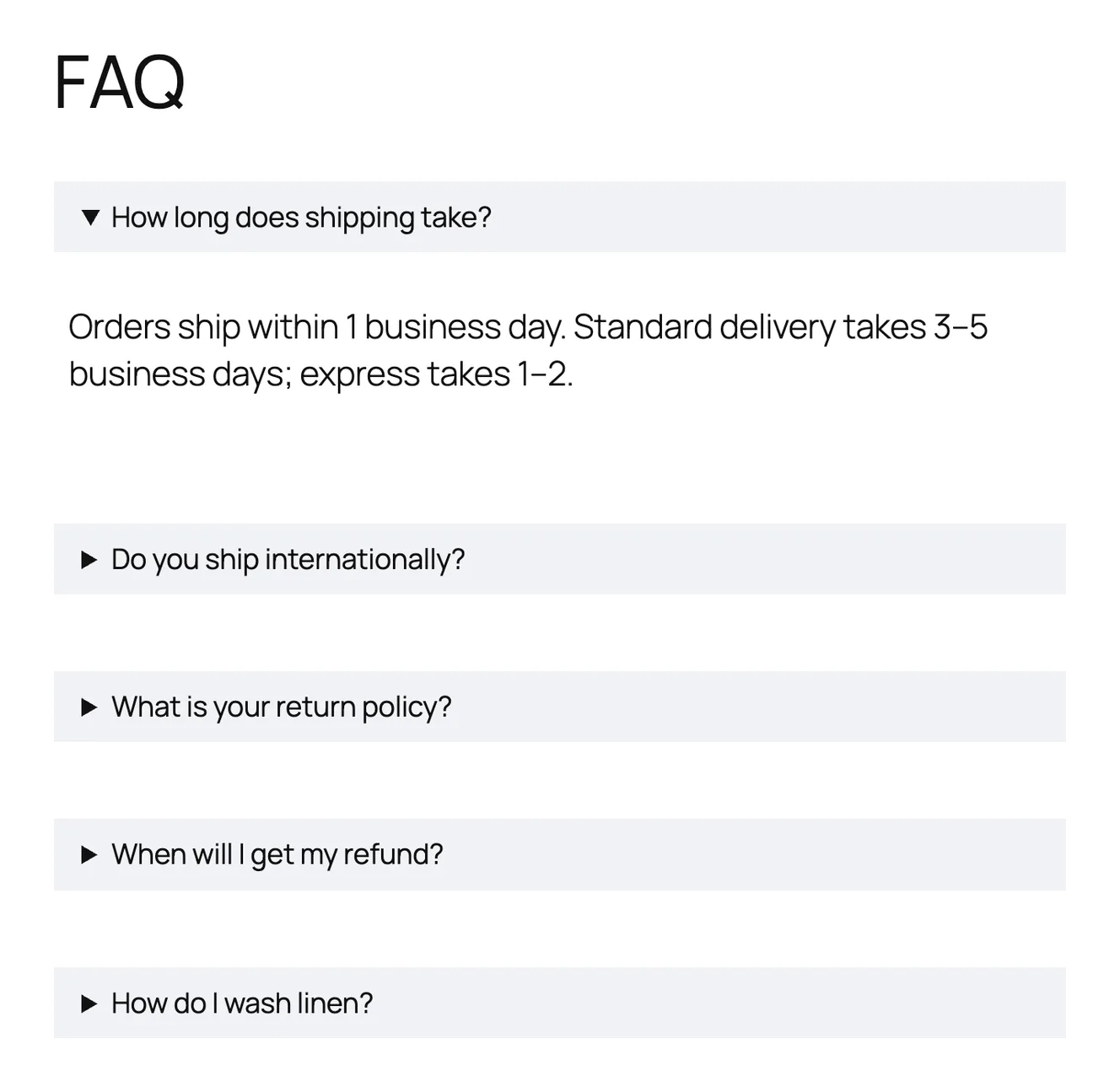
Best for: one or two questions on a page, when speed is all you care about.
Lightweight Accordion isn't an FAQ manager. It's a single accordion block and shortcode built on the browser's native <details> element, so it works without JavaScript. You can add FAQ schema to each accordion. It has a perfect 5.0 rating from 60 reviews, and it's earned it: it does one small job well.
Watch out for: there's no FAQ library. Every question lives on the page you typed it on, so reusing FAQs across pages means copying them.
A note on FAQ schema in 2026
Many FAQ plugins still promise "Google FAQ rich results". In August 2023 Google limited those to a small group of well-known government and health sites, so a store or a blog almost never gets the expandable questions under its search result anymore.
That doesn't make FAQ schema useless. It still tells search engines and AI assistants exactly which text is a question and which is its answer, and well-written FAQs match the long, specific questions people type and ask. Just don't choose a plugin, or pay for one, because of the snippet. In our test, Easy Accordion's schema was off by default and Quick and Easy FAQs had none, so check that setting whichever plugin you pick.
Also worth knowing
- Rank Math and Yoast FAQ blocks. If you already use one of these SEO plugins, its FAQ block adds questions with schema to a single post. Good for a blog post. There's no shared library, no search and no product FAQs.
- BetterDocs and Echo Knowledge Base. These are documentation plugins with FAQ sections. Pick one if you need a full knowledge base with articles, not just FAQs.
- Accordion FAQ (by wpshopmart). It has 30,000+ installs, but it hadn't been updated in over a year when we checked and is tested only up to WordPress 6.8, so we left it out.
How to choose
- You sell with WooCommerce and different products need different answers: Happy FAQs (free category and tag inheritance) or Helpie FAQ (free per-product tab).
- You want the most designs: Easy Accordion. Remember to switch schema on.
- You want a free searchable FAQ page: Ultimate FAQ or Helpie FAQ.
- You want to know what customers still can't find: look at analytics with no-result searches. Happy FAQs Pro and Ultimate FAQ Premium both have it.
- You have five questions and want zero overhead: Lightweight Accordion, or the Details block already in WordPress.
Whichever you pick, start with the five questions your support inbox gets most often. That list matters more than the plugin.