
How to limit by customer role
Pro featureComplete orders placed by customers with chosen roles.
Use User Roles to include or exclude orders by the customer’s role. Pro can also use guests, specific customers, coupons and addresses.
Step 1: Open the settings
Go to WooCommerce → Autocomplete Orders → Settings.
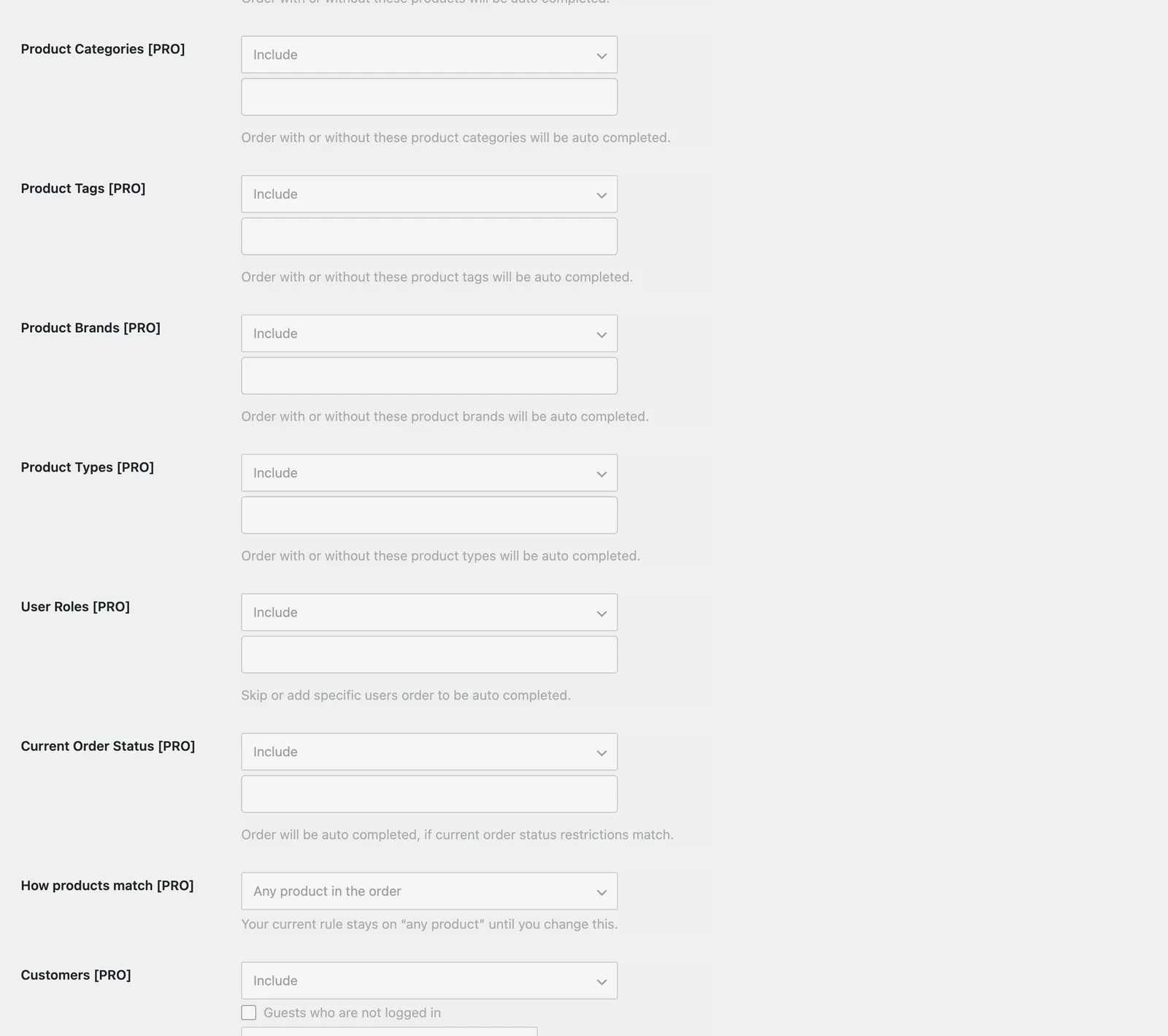
Step 2: Choose Include or Exclude
Include completes only matching orders. Exclude completes everything else.
Step 3: Pick the values
Select the values from the list, then click Save.
Example
Complete orders from trusted wholesale customers automatically.
Frequently asked questions
What is the difference between Include and Exclude?
Include completes only orders that match. Exclude completes every order except those that match.
What if I leave it empty?
An empty restriction does not limit anything.
Still stuck? We’re happy to help.
Contact support