
How to limit by product tag
Pro featureComplete orders with products that have chosen tags.
Use Product Tags to include or exclude orders by product tag.
Step 1: Open the settings
Go to WooCommerce → Autocomplete Orders → Settings.
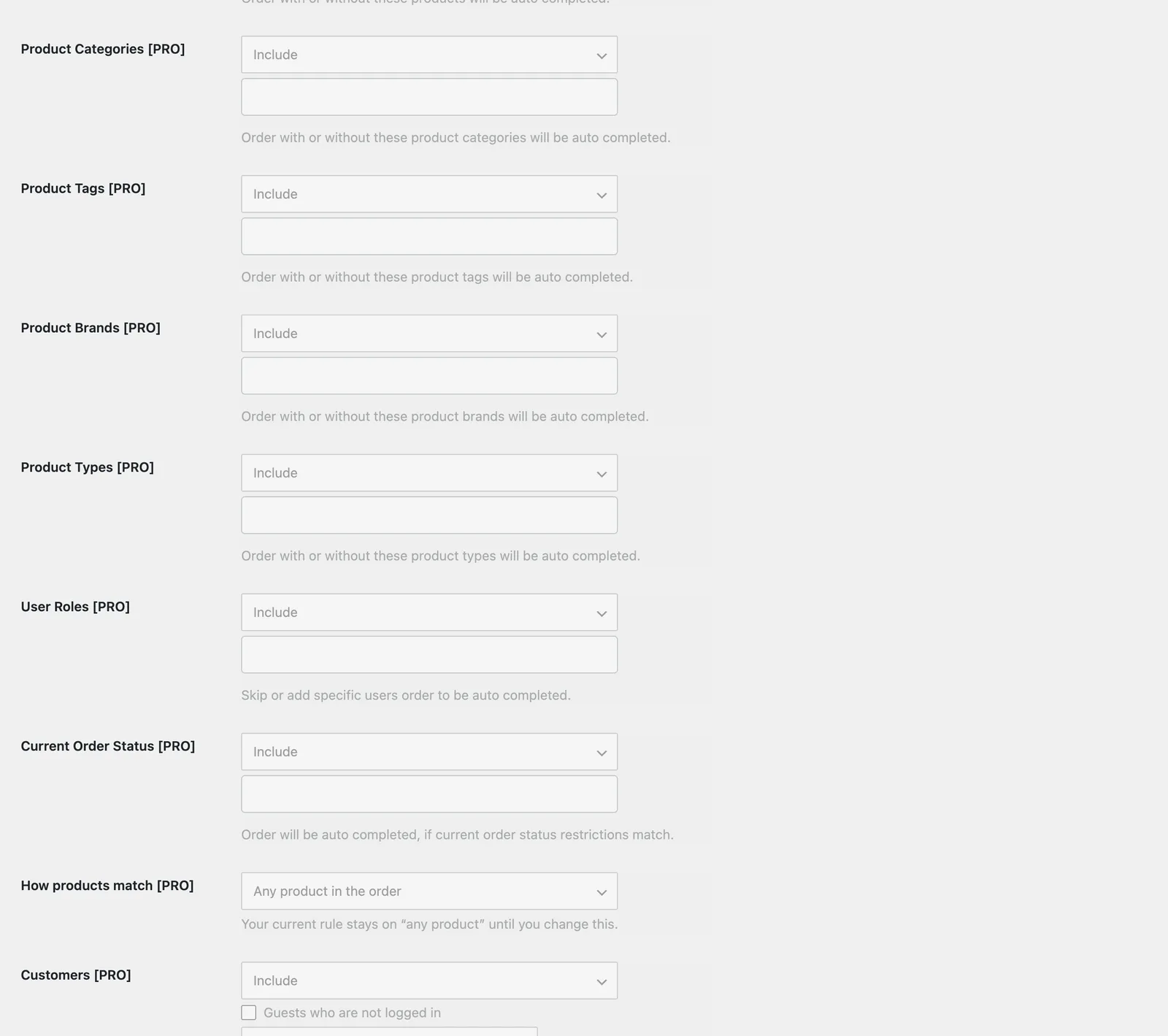
Step 2: Choose Include or Exclude
Include completes only matching orders. Exclude completes everything else.
Step 3: Pick the values
Select the values from the list, then click Save.
Example
Create an “instant-delivery” tag and add it to every product that should complete automatically.
Frequently asked questions
What is the difference between Include and Exclude?
Include completes only orders that match. Exclude completes every order except those that match.
What if I leave it empty?
An empty restriction does not limit anything.
Still stuck? We’re happy to help.
Contact support