
How to limit by order total
Complete only orders between a lowest and a highest total.
Use Order Total (min/max) to complete orders only in a price range. Enter a lowest total, a highest total, or both.
Step 1: Open the settings
Go to WooCommerce → Autocomplete Orders → Settings.
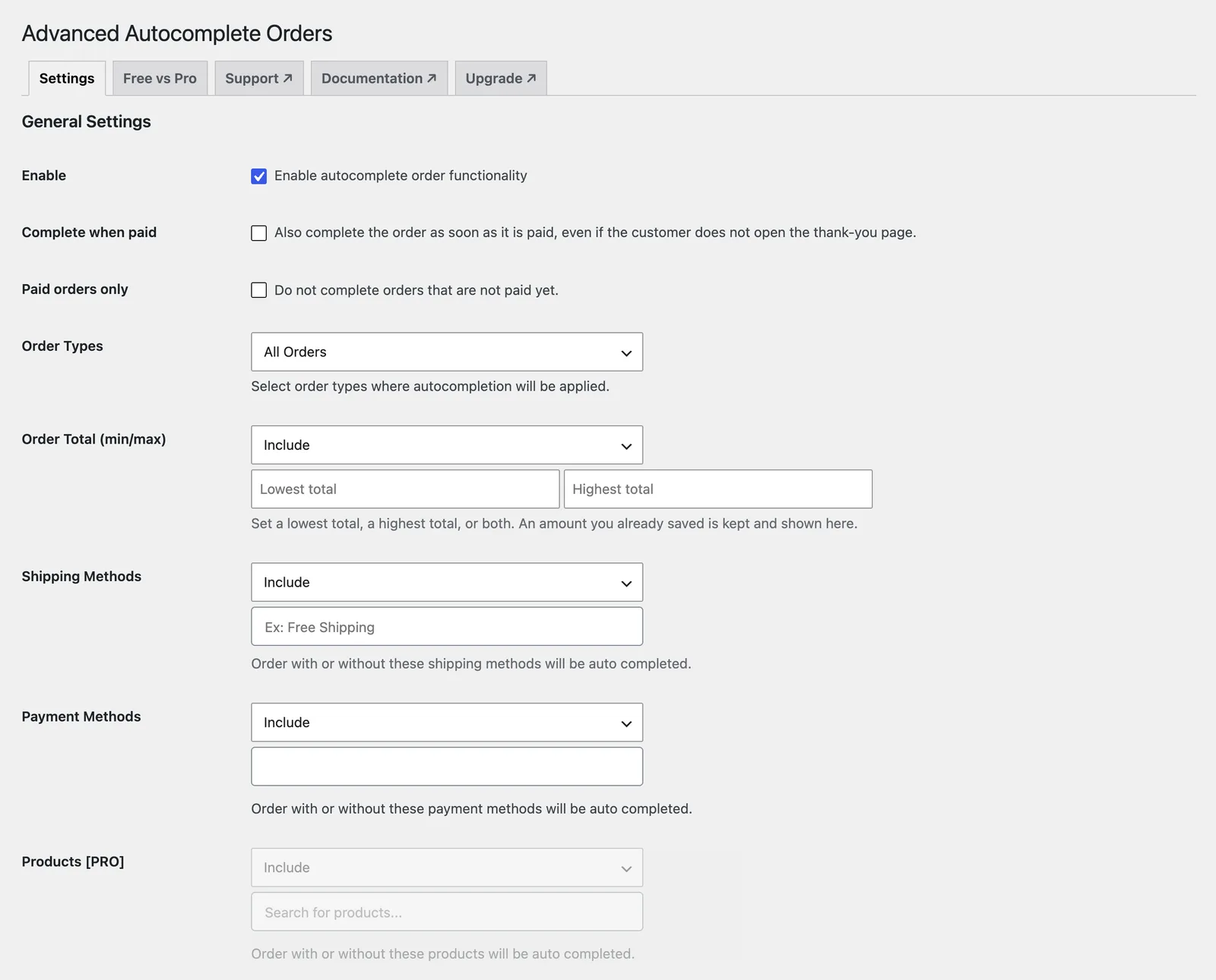
Step 2: Choose Include or Exclude
Include completes only matching orders. Exclude completes everything else.
Step 3: Pick the values
Select the values from the list, then click Save.
Example
Include orders up to 200 so large orders get a manual check first.
Frequently asked questions
What is the difference between Include and Exclude?
Include completes only orders that match. Exclude completes every order except those that match.
What if I leave it empty?
An empty restriction does not limit anything.
Still stuck? We’re happy to help.
Contact support