
How to install Advanced Autocomplete Orders
Install Advanced Autocomplete Orders from WordPress.org and turn it on.
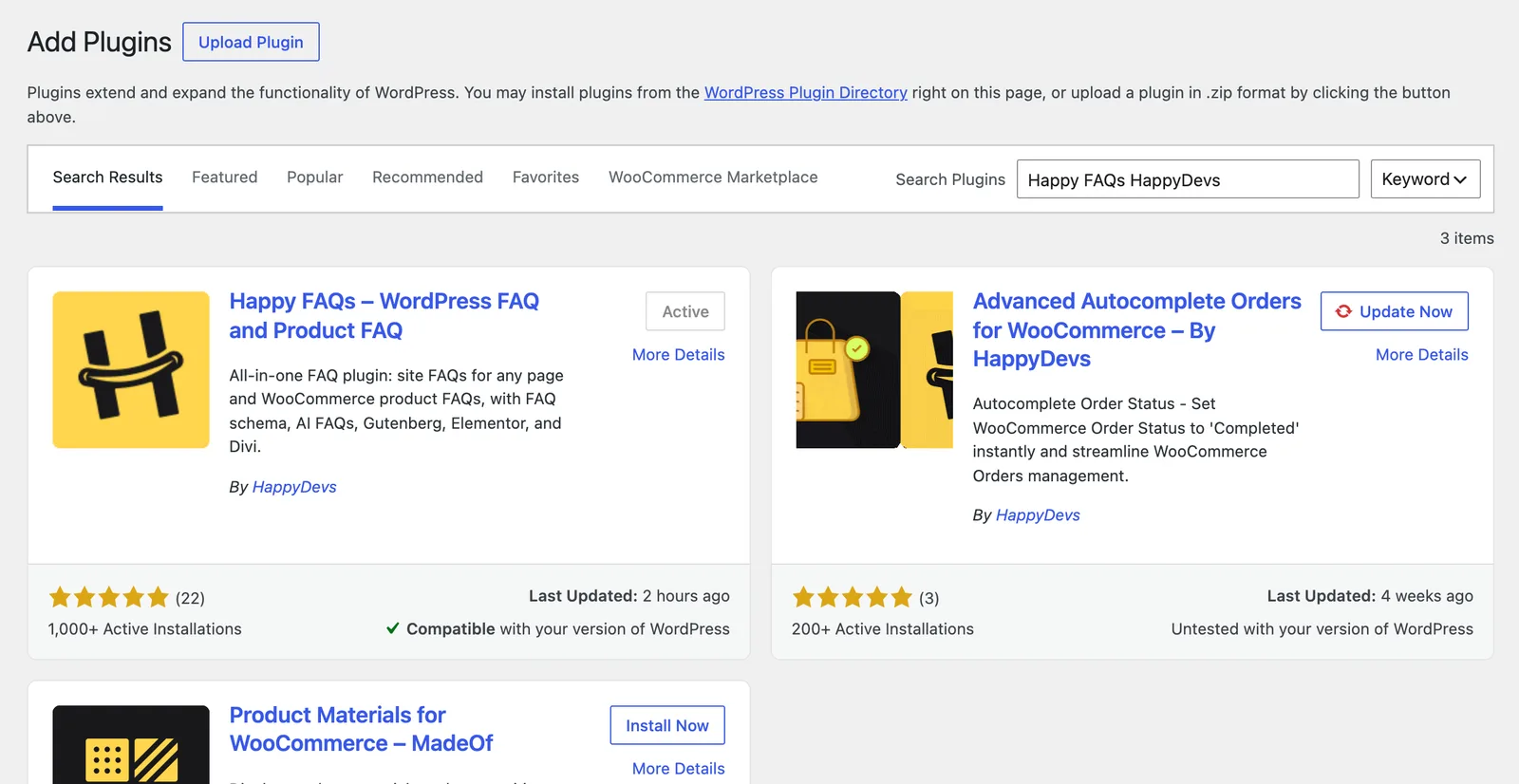
Step 1: Search for the plugin
Go to Plugins → Add New Plugin and search for Advanced Autocomplete Orders.
Step 2: Install and activate
Click Install Now, then Activate.
Step 3: Turn it on
Go to WooCommerce → Autocomplete Orders, tick Enable autocomplete order functionality and click Save.
For a store that sells only digital products, that is all you need. Otherwise, add restrictions.
Frequently asked questions
Will updates change my store?
No. Saved settings keep working, and new options stay off until you turn them on.
Still stuck? We’re happy to help.
Contact support