
You can set up Autocomplete Orders according to restrictions of different Products Tags.
To restrict Autocomplete Order based on different Product Tags.
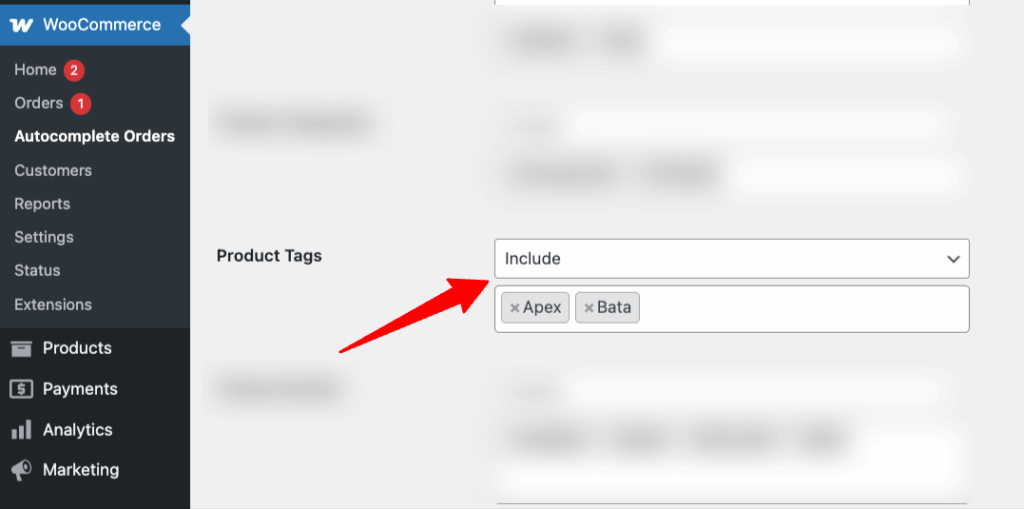
First, you need to select “Include” or “Exclude” for those particular Product Tags.
Then, select the particular product tags by searching for the product tag name from the Products tags dropdown menu.
After “Save Changes” you will see that your orders with/without Product Tags will be automatically completed.