Are you looking for a shipping plugin for your WooCommerce business? You are at the right spot. Shipping plugins can be quite a handful for all the functionalities added to your WooCommerce shipping sections.
Shipping plugins for WooCommerce are specialized extensions designed to enhance the shipping capabilities of a WooCommerce online store. They enable seamless integration with various shipping carriers, automate the calculation of shipping rates, offer customizable shipping options, and have real-time tracking and label printing.
Below, we have listed some of the widely known best shipping plugins for WooCommerce for your store. Let’s get started!
Best Plugins for Shipping Products in WooCommerce
Updated October 27, 2026: we rechecked every plugin on this list: whether it's still maintained, where to get it, what it costs, and its WordPress.org installs and rating. Each section now ends with what we found.
| Plugin | Best for | Where | Price |
|---|---|---|---|
| ShipStation for WooCommerce | Labels and multi-carrier fulfilment | WordPress.org, 40,000+ installs | Free plugin; needs a ShipStation plan |
| Table Rate Shipping (WooCommerce) | Rates by weight, items, price or class | WooCommerce.com, 20,000+ installs | $119/year |
| Flexible Shipping | Free table rates by weight or cart total | WordPress.org, 100,000+ installs, 4.9★ | Free; Pro available |
| WooCommerce Advanced Shipping | Rates from detailed conditions | CodeCanyon | Paid |
| ELEX EasyPost | FedEx, UPS and USPS rates and labels via EasyPost | ELEX | From $89; EasyPost fees apply |
| Shippo | Discounted labels from many carriers | Shippo app | Free tier; pay per label |
| Conditional Shipping | Hide or show methods by rules | WordPress.org, 10,000+ installs | Free; Pro available |
| Flat Rate Shipping Method | Several flat rates with conditions | WordPress.org, 5,000+ installs | Free; Pro available |
Installs and ratings are from WordPress.org and WooCommerce.com on October 27, 2026. Check prices on each developer's site before you buy.
1. WooCommerce ShipStation Integration
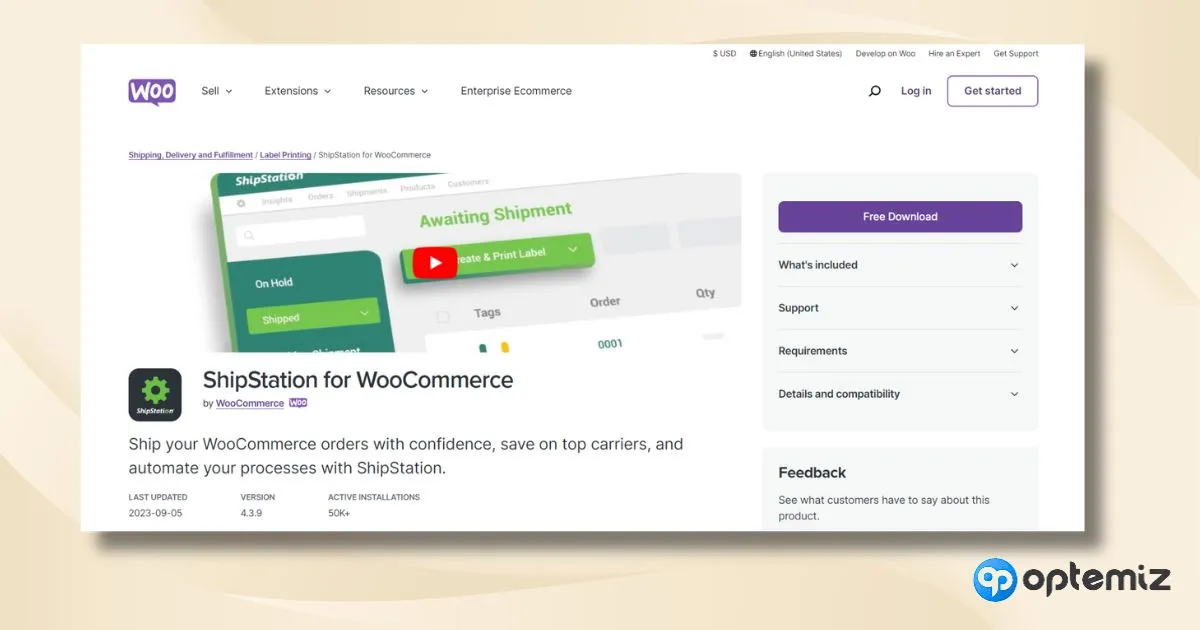
WooCommerce ShipStation Integration is a powerful tool designed to streamline your shipping process. Integrating seamlessly with WooCommerce simplifies how you handle orders and shipping, making it an ideal solution for expanding your online business. Its user-friendly interface allows you to efficiently manage and ship your orders, ensuring a smooth operation from your WooCommerce dashboard to your customer’s doorstep.
Best Features:
- Real-time carrier rate calculation
- Automated order importing
- Customizable shipping labels
- Batch shipping processing
- Branded tracking and returns
- Extensive carrier integration
- Efficient order management
- Advanced reporting and insights
Good to know (October 2026): the free ShipStation for WooCommerce plugin is made by WooCommerce, has 40,000+ installs and was updated in October 2026. Its rating is low (3.3★ from 13 reviews), so test an order end to end before you rely on it. You need a paid ShipStation plan.
2. Table Rate Shipping
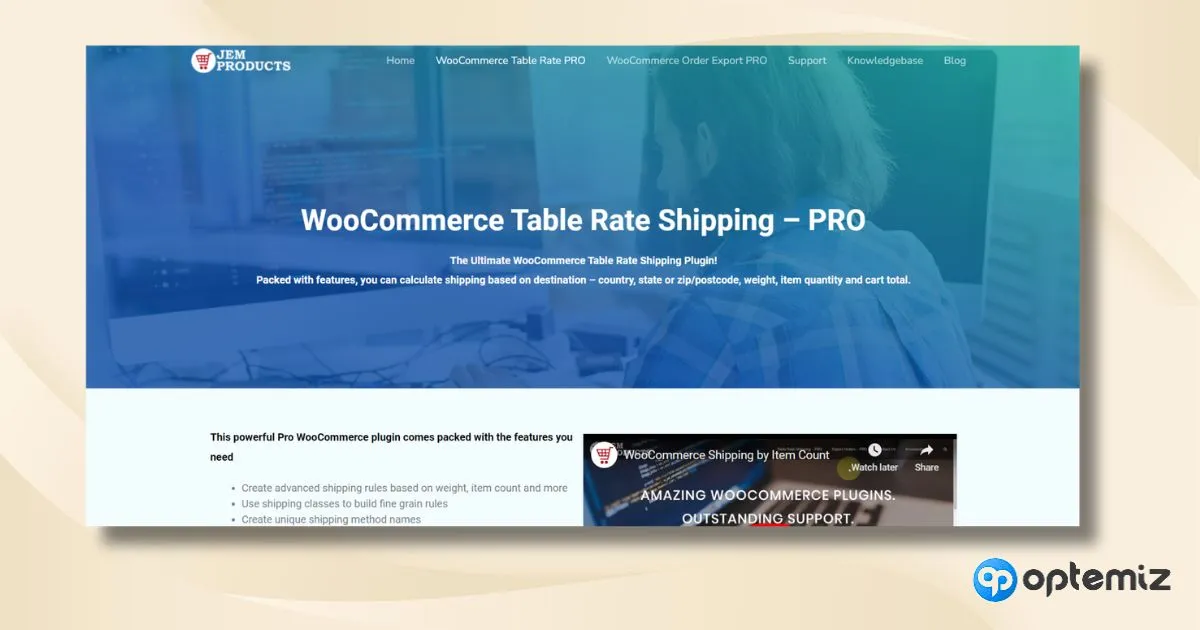
Table Rate Shipping for WooCommerce is a dynamic tool offering advanced flexibility in shipping options. It enables you to create multiple shipping rates based on various conditions such as weight, number of items, shipping destination, and more. This tool is handy for WooCommerce store owners looking to customize their shipping strategies, providing a tailored approach that caters to diverse customer needs and preferences.
Best Features:
- Multiple shipping methods
- Conditional shipping rates
- Zone-based shipping options
- Weight-based calculations
- Quantity-based rates
- Price-based shipping rules
- Easy-to-use interface
- Comprehensive customization options
Good to know (October 2026): the official Table Rate Shipping extension costs $119 a year, has 20,000+ installs and a 3.5★ rating on WooCommerce.com, with a 30-day money-back guarantee. If you only need weight or cart-total rates, Flexible Shipping (below) does that for free.
3. Flexible Shipping Plugin
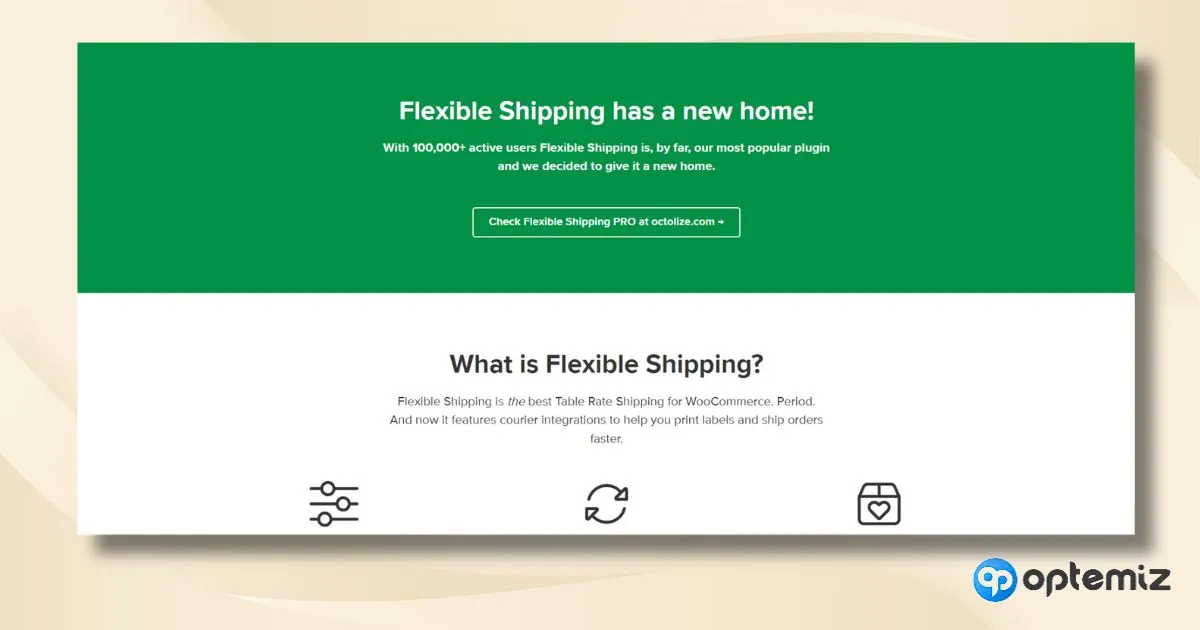
The Flexible Shipping Plugin for WooCommerce offers an innovative solution for handling your shipping needs easily and precisely. It’s designed to adapt to a wide range of shipping scenarios, allowing you to set up shipping rules that perfectly align with your business requirements. This plugin is especially valuable for its ability to handle complex shipping arrangements without compromising simplicity and user experience.
Best Features:
- Adaptive shipping rules
- Cart total based shipping
- Product-specific shipping options
- Multi-Rule shipping scenarios
- Shipping cost calculation per item
- Shipping class support
- Integration with popular carriers
- Easy configuration and setup
Good to know (October 2026): Flexible Shipping by Octolize is the most popular plugin on this list, with 100,000+ installs and a 4.9★ rating from 706 reviews. It was updated this month. The free version covers table rates by weight and cart total; Pro adds more conditions.
4. WooCommerce Advanced Shipping
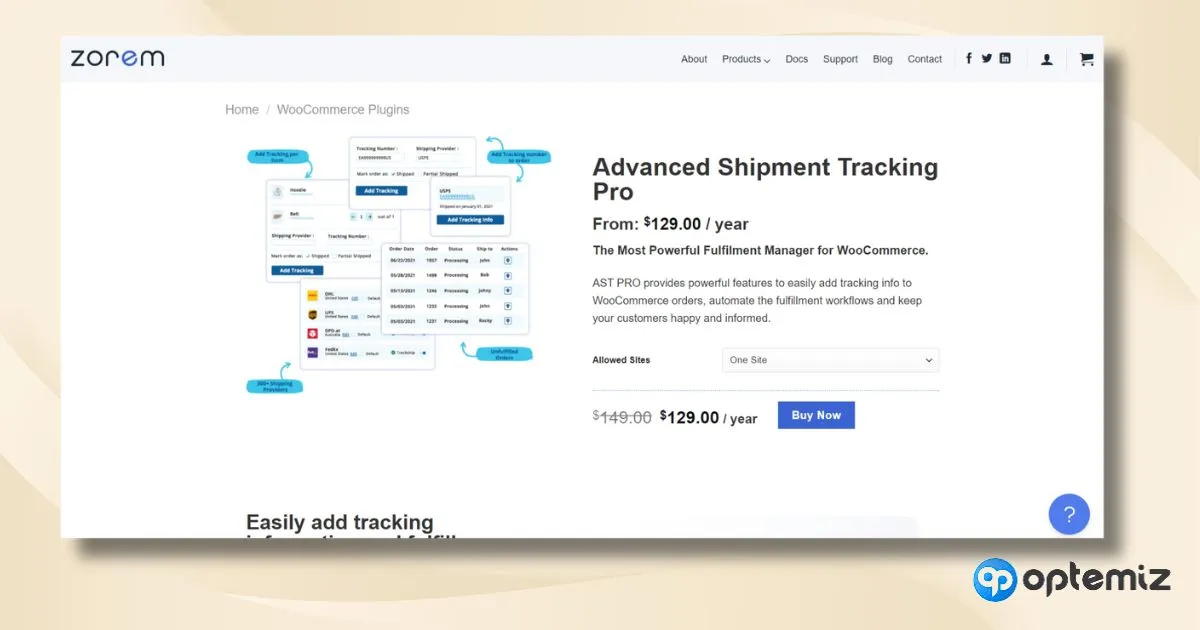
WooCommerce Advanced Shipping is an essential tool for personalizing your shipping methods. It empowers you to create shipping rates based on various conditions, offering unparalleled flexibility. This plugin is ideal for store owners requiring detailed control over their shipping costs, enabling them to tailor shipping strategies efficiently and effectively.
Best Features:
- Conditional logic for shipping
- Multiple shipping zones and methods
- User role-based shipping
- Dimensional weight calculations
- Customizable shipping tables
- Shipping rate combination
- Compatibility with WooCommerce extensions
- Advanced shipping cost management
Good to know (October 2026): WooCommerce Advanced Shipping by Jeroen Sormani is sold on CodeCanyon, not WordPress.org. We couldn't confirm a recent release, so check its changelog and support replies before buying.
5. ELEX EasyPost (FedEx, UPS & USPS) Shipping
This plugin simplifies your shipping process by integrating major carriers like FedEx, UPS, and USPS into your WooCommerce store. It offers a streamlined approach to managing shipments, ensuring that you can efficiently handle shipping needs, from label printing to tracking, directly from your WooCommerce dashboard.
Best Features:
- Integration with major carriers
- Automated label printing
- Real-time shipping rates
- Comprehensive tracking system
- Flexible packaging options
- Bulk shipment processing
- Address validation
- Customizable shipping rules
Good to know (October 2026): the ELEX EasyPost plugin starts at $89 for one site. You also need an EasyPost account, and EasyPost charges for labels and services such as insurance.
6. Shippo for WooCommerce
Shippo for WooCommerce is an innovative shipping solution that integrates seamlessly with your WooCommerce store, offering a wide range of shipping options and capabilities. This plugin simplifies the shipping process by providing easy access to multiple carriers and streamlining the label creation and tracking process, enhancing both the merchant and customer experience.
Best Features:
- Multi-Carrier shipping access
- Simplified label creation
- Customizable shipping rates
- Automated tracking updates
- Bulk label printing
- International shipping support
- Discounted carrier rates
- Intuitive dashboard for shipping management
Good to know (October 2026): Shippo connects to WooCommerce through Shippo's own integration. Its entry plan has no monthly fee and you pay per label; showing live Shippo rates at checkout usually needs an extra plugin. Check Shippo's current pricing before you choose.
7. Conditional Shipping for WooCommerce
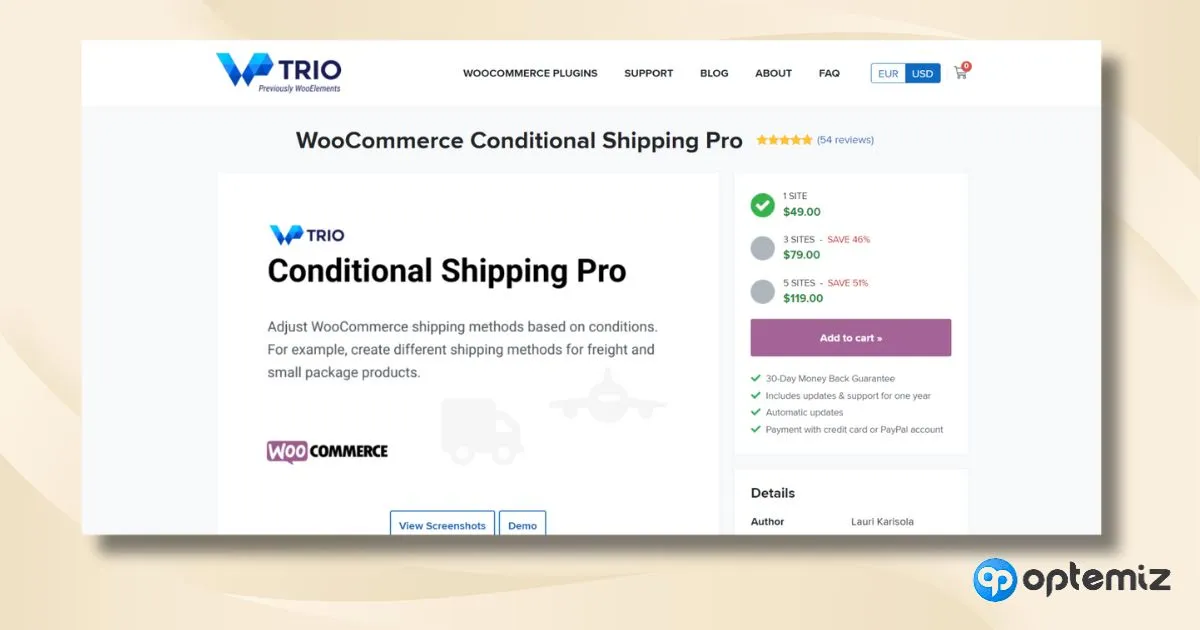
Conditional Shipping for WooCommerce is a specialized tool designed to enhance your shipping strategy by allowing you to set specific conditions for shipping methods. This plugin provides the flexibility to tailor shipping options based on factors like cart total, weight, and user roles, making it an ideal choice for WooCommerce store owners seeking customized shipping solutions.
Best Features:
- Tailored shipping conditions
- User role-based shipping options
- Cart total conditional shipping
- Weight-based shipping rules
- Easy integration with woocommerce
- Shipping exclusion for specific products
- Multiple shipping condition combination
- User-friendly setup and management
Good to know (October 2026): Conditional Shipping for WooCommerce has 10,000+ installs and a 4.6★ rating, and was last updated in August 2026. The free version handles the common rules; Pro adds more conditions.
8. Flat Rate Shipping Plugin
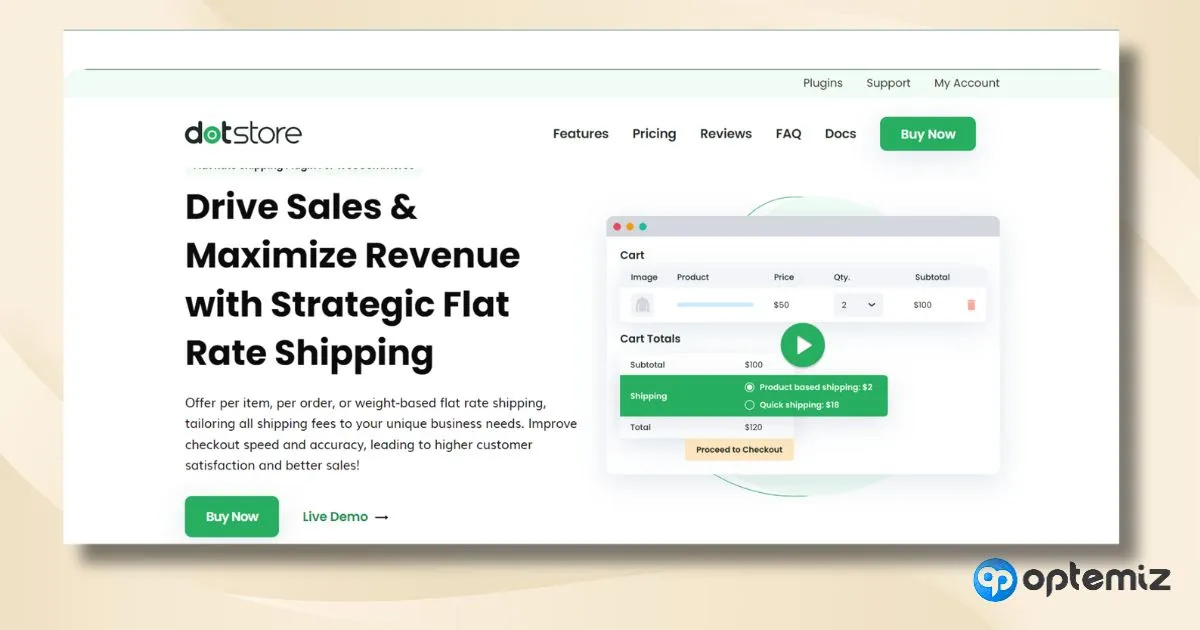
The Flat Rate Shipping Plugin for WooCommerce is a straightforward and effective tool for implementing flat-rate shipping options in your online store. It’s designed to simplify your shipping strategy, offering a single rate for all shipments regardless of size, weight, or distance. This plugin is ideal for businesses looking for an easy-to-manage, consistent shipping cost approach, enhancing operational efficiency and customer clarity.
Best Features:
- Simple flat rate setting
- Per product shipping rate
- Global flat rate options
- Shipping class integration
- Zone-specific rates
- Multiple flat rate methods
- Easy-to-configure interface
- Compatibility with WooCommerce
Good to know (October 2026): Flat Rate Shipping Method for WooCommerce by Dotstore has 5,000+ installs and a 4.2★ rating, and was updated in October 2026.
How to Export Orders from WooCommerce
Features to Prioritize Before Purchasing a Shipping Plugin
When managing an online store, choosing the right shipping plugin for your WooCommerce site is a critical decision that can significantly impact your business efficiency and customer satisfaction. It’s essential to carefully consider which features best suit your specific needs and help streamline your shipping processes.
> Customization and flexibility
Every business has unique shipping needs. A plugin that allows for customization—like setting different shipping rates for other products, offering free shipping over a specific order value, or setting up shipping zones—can be incredibly beneficial. This level of flexibility helps you tailor your shipping strategy to your particular business model.
> Ease of use and support
A user-friendly interface is crucial for efficient management. Additionally, reliable customer support from the plugin provider can help you quickly resolve any issues, ensuring minimal disruption to your business operations. Look for plugins with positive reviews about their ease of use and support.
> Compatibility and updates
Ensure that the plugin is compatible with the latest version of WooCommerce and other essential plugins you use. Regular updates from the plugin provider are necessary to keep your store functioning smoothly and to protect against security vulnerabilities.
> Shipping rate calculation
The ability to automatically calculate shipping rates based on variables such as product weight, dimensions, and destination is crucial. This feature ensures that your customers are charged the correct amount for shipping, avoiding under or overcharges, and can significantly streamline the checkout process.
FAQs
How to ship a product with WooCommerce?
To ship a product with WooCommerce, first set up your shipping zones in the WooCommerce settings, which define the areas where you deliver.
Next, select shipping methods for each zone, such as flat rate, free shipping, or local pickup. You can integrate with shipping carriers for real-time rates and automate the process with plugins for label printing and tracking.
This approach ensures your shipping process is efficient, accurate, and tailored to your business and customers’ needs.
What are some great shipping features in WooCommerce?
WooCommerce boasts a range of shipping features that enhance your eCommerce operation. Key features include the creation of multiple shipping zones with specific rates, the flexibility to offer flat rates, weight-based or free shipping options, and integration capabilities with major shipping carriers like UPS, FedEx, and USPS.
Additional functionalities can be added through specialized shipping plugins, allowing for customized solutions such as table rate shipping, real-time rate calculations, and advanced tracking.
What is the shipping type?
In WooCommerce, the shipping type refers to the method you choose to deliver products to your customers. This can range from flat rate shipping, which charges a fixed rate regardless of the product, to free shipping, which can be offered as a promotion or for orders exceeding a certain amount.
Other types include local pickup, where customers collect their orders, and more complex options like table rate shipping, which calculates rates based on multiple criteria like weight, size, and destination.
How to calculate automatic shipping in WooCommerce?
Calculating automatic shipping in WooCommerce typically involves using plugins that integrate with shipping carriers to provide real-time shipping rates. These plugins calculate shipping costs based on product weight, dimensions, and the shipping destination.
By automating this process, you ensure accuracy in shipping costs, improving customer checkout experience and streamlining operational efficiency. This setup is particularly beneficial for stores with large orders or those shipping to diverse locations.
How good is WooCommerce for dropshipping?
WooCommerce is an excellent platform for dropshipping, offering a high degree of flexibility and scalability. Its compatibility with a wide array of dropshipping plugins makes integrating with suppliers, automating order processing, and managing inventory easy.
The platform allows for the customization of your store to align with dropshipping business models, supporting various supplier networks and providing tools for efficient order tracking and customer communication.
This adaptability makes WooCommerce a top choice for entrepreneurs and businesses venturing into the dropshipping model.
Final Verdict
When optimizing your online store, shipping plugins for WooCommerce stand out as a vital component for enhancing your eCommerce capabilities. These plugins offer various features tailored to diverse business needs, from automated rate calculations and carrier integrations to customizable shipping rules and efficient order processing.
Whether you’ve a small startup or a large-scale enterprise, these shipping solutions are designed to streamline your logistics, ensuring a smooth and professional experience for you and your customers. So, a well-chosen shipping solution can be the key to standing out and achieving success.
Safe shipping!